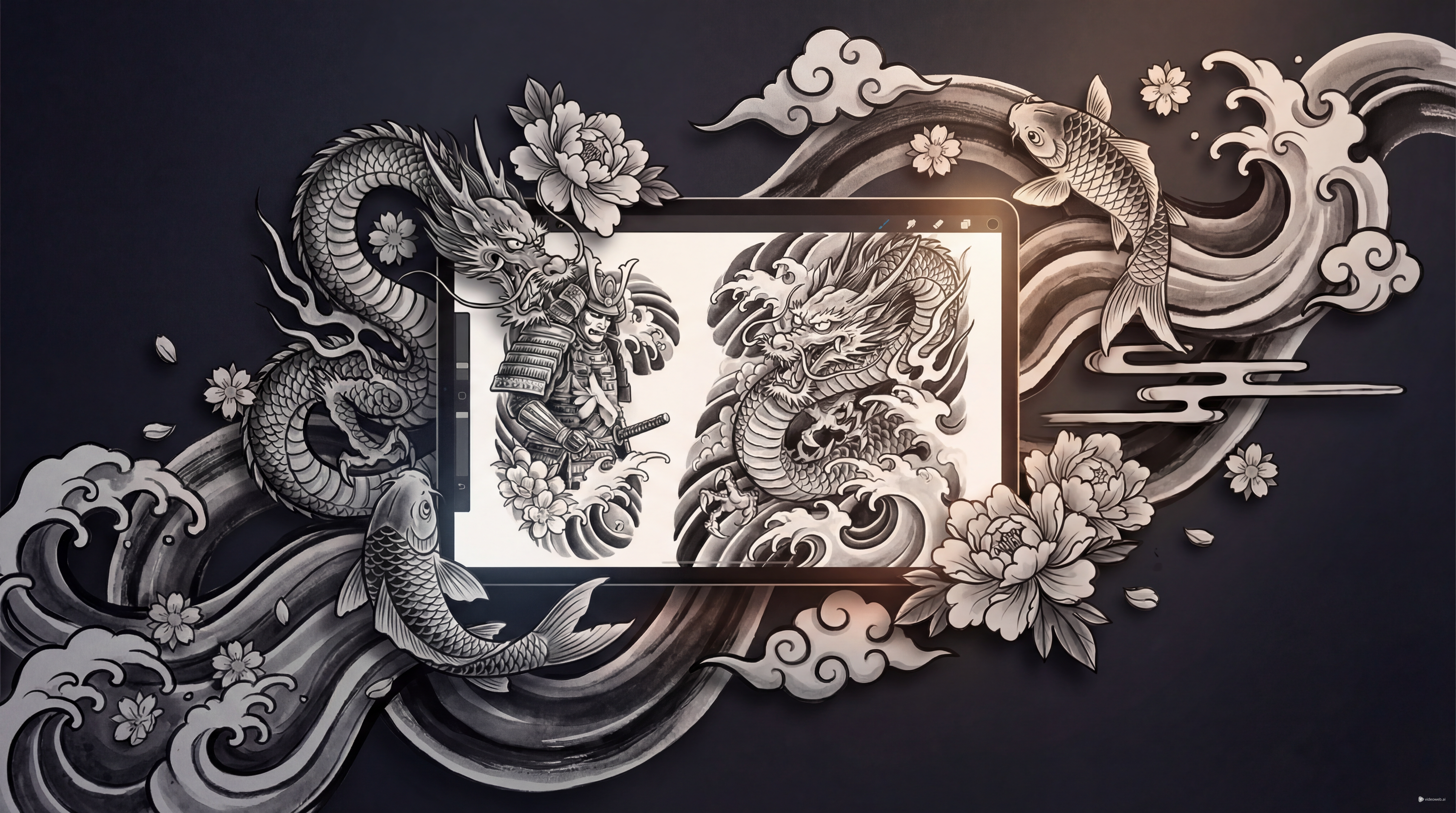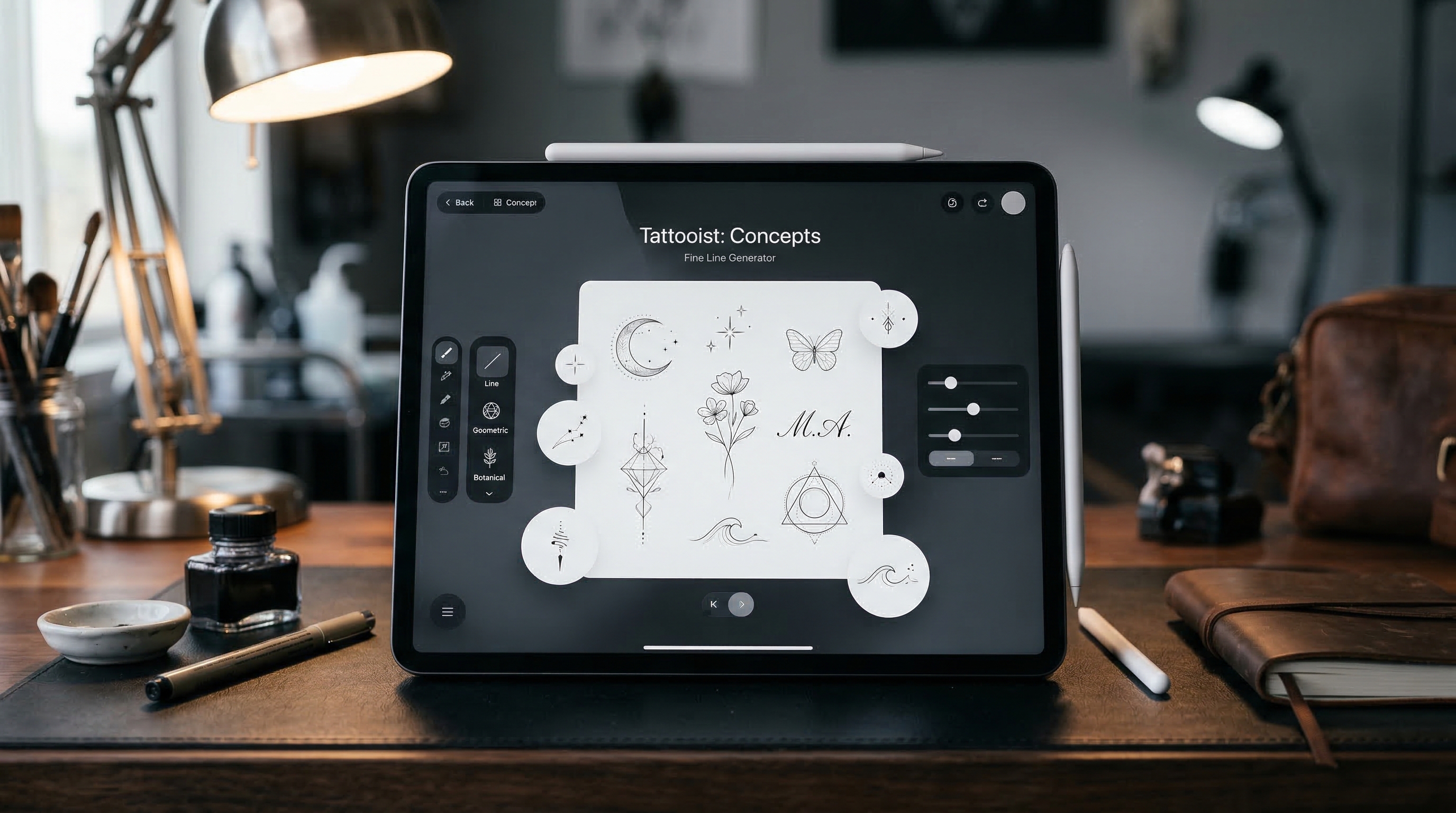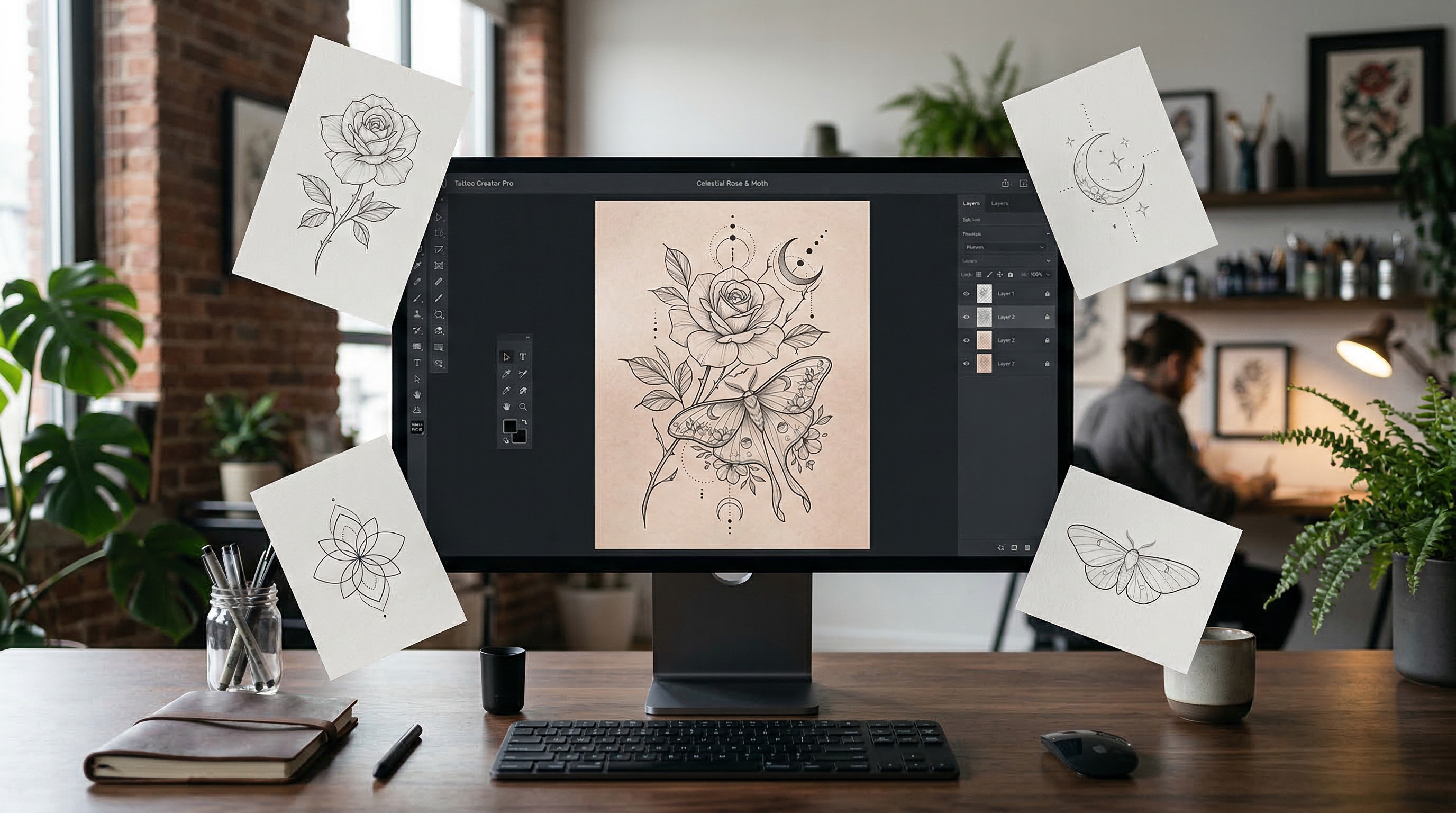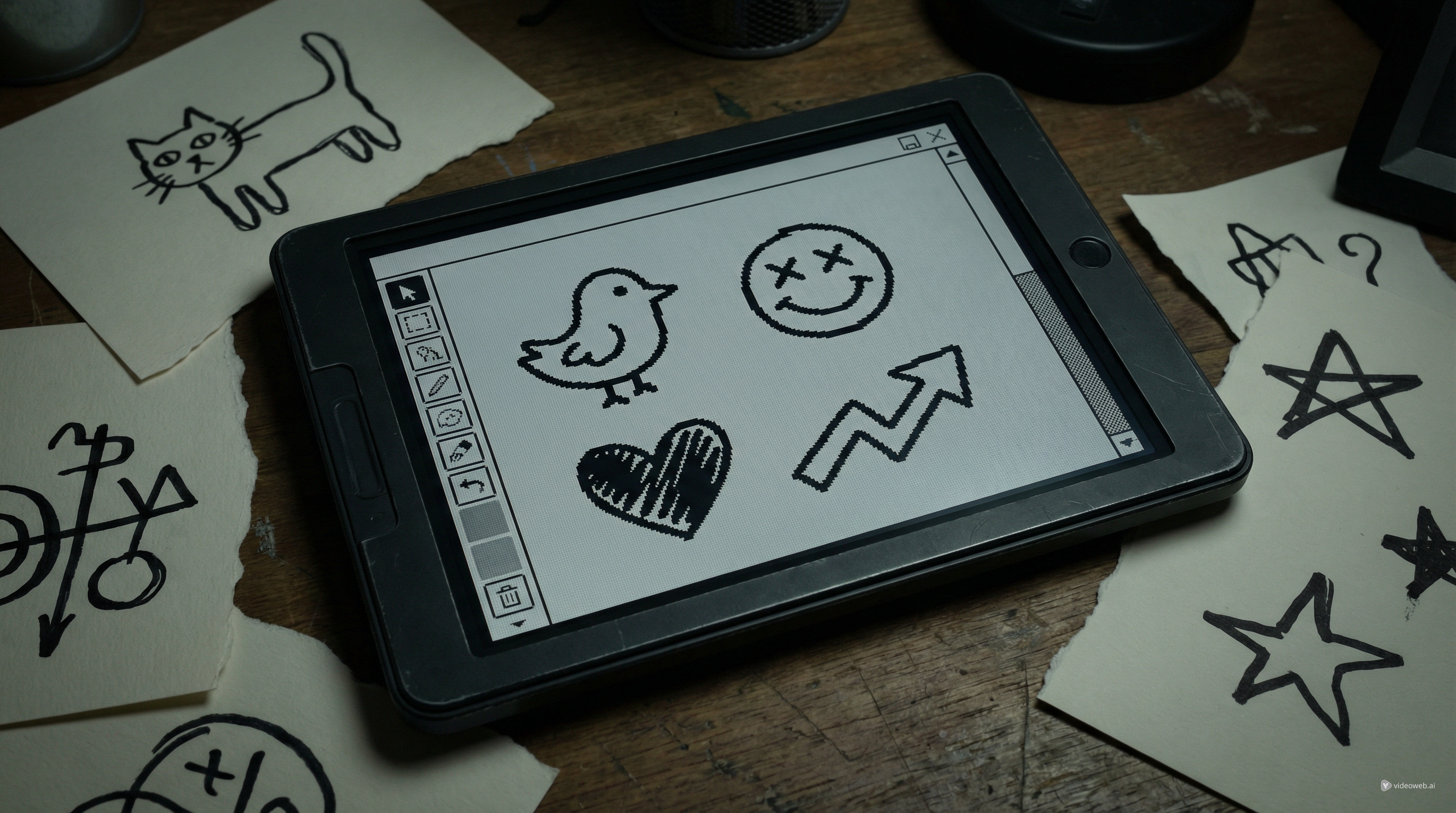
If you like tattoos that feel raw, funny, bold, and intentionally unpolished, the ignorant style has probably already caught your eye. This look is not about perfect symmetry or polished realism. It is about attitude. Thick lines, awkward charm, doodle energy, and instantly readable shapes are what make it work.
That same roughness, though, can be harder to plan than it seems. A design that looks careless in a good way still needs structure. If it is too messy, it loses impact. If it is too cleaned up, it stops feeling like the style at all. That is where Tattoo AI Design’s Ignorant Tattoo Generator becomes useful.
This guide shows how to use the tool to create stronger tattoo ignorant style concepts, refine them quickly, and turn rough inspiration into something worth bringing to a tattoo artist.
What Makes the Ignorant Style So Distinct
An ignorant style tattoo usually looks simple on purpose. It often uses thick outlines, uneven proportions, naive drawing logic, hand-drawn humor, and anti-polished composition. That is why the style feels rebellious. It often looks closer to a confident doodle than a classic tattoo illustration.
But “simple” does not mean random. The strongest ignorant tattoos are still clear. You should understand the joke, the icon, or the subject immediately. A crooked face, weird animal, crude symbol, or sarcastic phrase only works when the design is readable at a glance.
That is why a good ideation workflow matters. Instead of relying on one random sketch, you can use an AI tattoo generator to test several directions and keep the one that has the most character.
Why Use Tattoo AI Design’s Ignorant Tattoo Generator
Tattoo AI Design’s Ignorant Tattoo Generator is built for this exact visual language. Based on the current interface, you can enter a tattoo description, upload a reference image, choose a ratio, set the resolution, pick black-and-grey output, and select the background. The model menu also shows several generation options, including Nano Banana Pro, Nano Banana 2, Seedream 4.0, Seedream 4.5, and Seedream 5.0.
That setup makes the tool practical for experimentation. Instead of starting from zero every time, you can test how a weird face, crude cartoon, rough text concept, or hand-drawn symbol changes across different prompts and models.
A strong ignorant tattoo style AI generator workflow is not about finding one perfect result instantly. It is about trying bold variations fast, spotting what feels alive, and refining only the best directions.
How to Generate Better Ignorant Tattoo Ideas
1. Start with one weird but simple concept
This style works best when the subject is easy to read. Start with one idea only: a bent smiley face, awkward bird, sad flower, angry cat, strange sword, clumsy heart, or childish phrase. If you mix too many concepts at once, the result often becomes noisy rather than memorable.
For tattoo ignorant style ideas, one strong symbol usually beats a crowded composition.
2. Write prompts that sound like the style
Do not describe the design like a polished illustration brief. Describe it like the tattoo should actually feel. Mention the subject, the boldness, the rough linework, and the overall mood.
For example:
- crooked smiley face, thick black lines, naive doodle tattoo, simple arm placement, white background
- awkward cartoon bird, bold outline, playful ignorant tattoo drawing, black ink, centered composition
- crude heart with tiny dagger, hand-drawn look, intentionally simple, rough tattoo flash style
Using an AI tattoo generator this way usually gives better results than asking for something too polished or overly detailed.
3. Upload a reference when you already know the vibe
If you already have a doodle, meme-like sketch, crude symbol, or screenshot of a drawing style you like, upload it. A reference image helps the generator stay closer to the energy you want.
This is especially useful for ignorant-style concepts because the feeling matters as much as the subject. A rough sketch can communicate more than a long description. In that sense, the tool works well as an ignorant tattoo style AI generator for pic-to-tattoo inspiration too.
4. Keep the settings clean even if the design is rough
The tattoo itself may look crude, but your preview settings should stay clean. A white background makes it easier to judge the linework. Black and grey keeps the concept close to classic tattoo presentation. A 1:1 ratio works well for centered flash-style images, while higher resolution helps when comparing line shapes.
The current tool layout makes this easy to control. Even when you are generating something deliberately rough, clean review settings help you see whether the concept is working.
5. Generate variations and keep the personality
The first output is just a draft. Try several versions. Change the line thickness, exaggerate the awkwardness, simplify the text, distort the face more, or reduce visual clutter. The goal is not to make it perfect. The goal is to make it feel more alive.
That is the biggest advantage of using an ignorant style tattoo workflow with AI: you can iterate quickly without sanding down the character.
Prompt Tips for Stronger Results
Good prompt words for this style include “naive,” “doodle-style,” “bold outline,” “crude drawing,” “awkward,” “playful,” “ironic,” and “intentionally simple.” These phrases help the model stay in the right visual lane.
Subjects that often work well include cartoon faces, badly drawn animals, funny objects, crooked text, hand-drawn icons, and anti-aesthetic symbols. Subjects that often work less well include realistic portraits, heavily detailed scenery, and anything that depends on delicate rendering.
If you want a stronger tattoo ignorant style result, ask for clarity first and weirdness second. The design should still read fast.
Common Mistakes to Avoid
One common mistake is over-explaining the prompt. The style is stronger when the idea stays direct. Another is asking for realism, shading complexity, or high-detail rendering that fights the ignorant aesthetic.
It is also a mistake to polish the concept too much. This style lives on rough edges. Clean enough to read is good. Clean enough to look conventional is not.
Finally, remember that AI output is reference material, not final tattoo-ready art. A tattoo artist still needs to adapt it for placement, skin flow, line durability, and long-term readability.
Turning AI Concepts Into Real Tattoo Decisions
Once you have several options, shortlist the best three to five and compare them for humor, clarity, personality, and tattooability. Then bring those concepts to a real tattoo artist.
That is where the process becomes valuable. Instead of saying, “I want something weird and bold,” you can show a direction that already matches your taste. In that sense, an AI tattoo generator does not replace tattoo craft. It helps you prepare for a better conversation.
If used well, Tattoo AI Design’s Ignorant Tattoo Generator can help you create bolder concepts, test stranger ideas faster, and find an ignorant style tattoo direction that actually feels personal.
Other Tools Worth Trying
- AI Tattoo Generator
- AI Tattoo Try On
- AI Tattoo Design Generator
- AI Tattoo Video Generator
- Explore More Tattoo Styles
Related Article
- How to Generate Kleine Tattoo Ideas with Tattoo AI Design’s Kleine Tattoo Generator
- From Them Saying “I Can’t Picture It” to “That’s the One”: A Viewer-First Guide to an AI Tattoo Video Generator
- Veo 3.1 Tattoo Video Generation Guide: How to Turn Tattoo Ideas Into Motion
People Also Read
- Nano Banana Pro on DreamMachine AI: A Practical Way to Create Better AI Images
- Flux.2 Pro AI Image Generation: Full Guide, Features & Tips
- GPT4o Image Generation Guide: Create Stunning Art with the GPT 4o Image Generator
- How to Use Sea Imagine AI’s Image Generator: A Beginner-Friendly Tutorial
- Seedream 5.0 AI Image Editor Guide on HeyDream AI (2026)