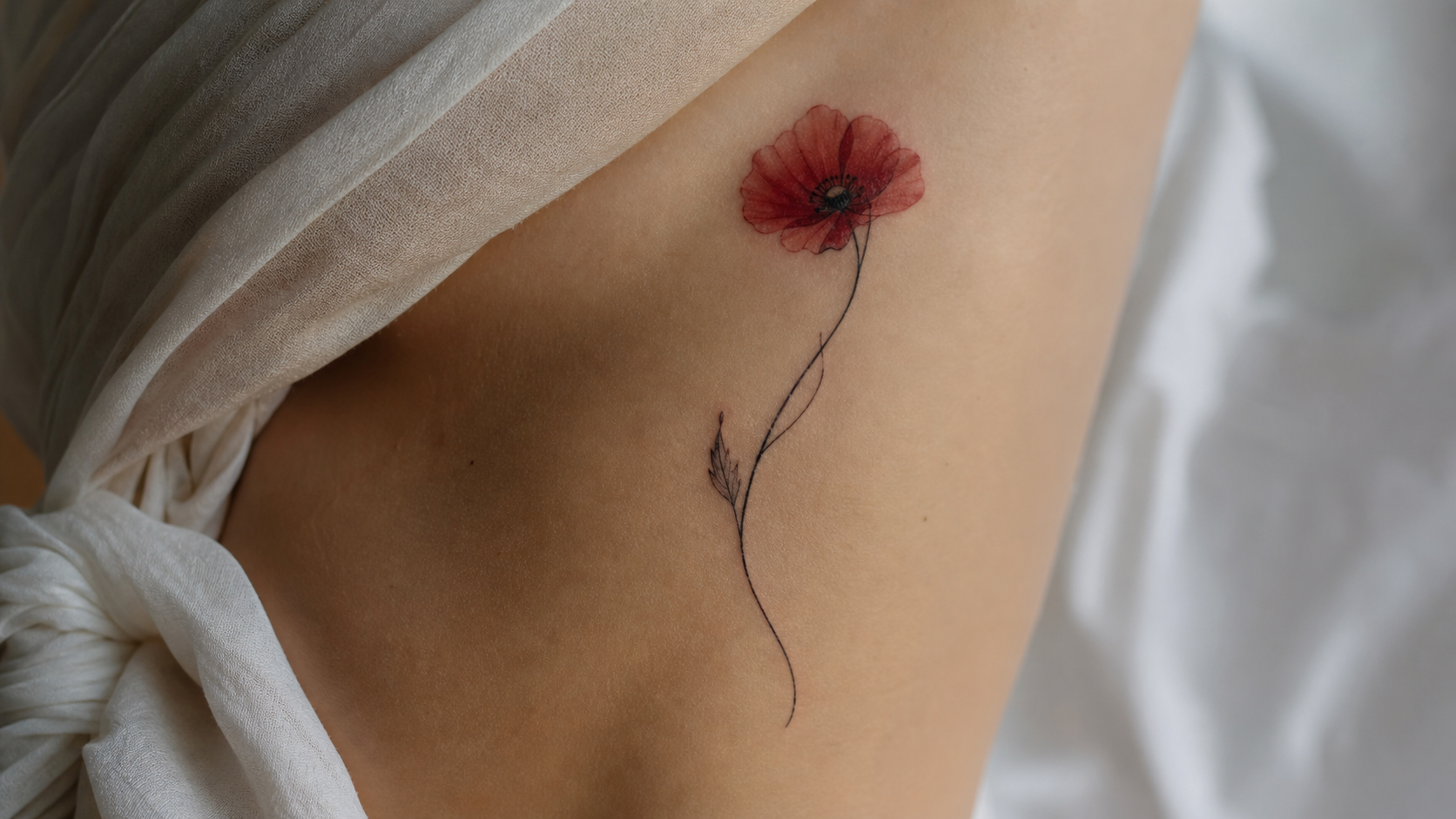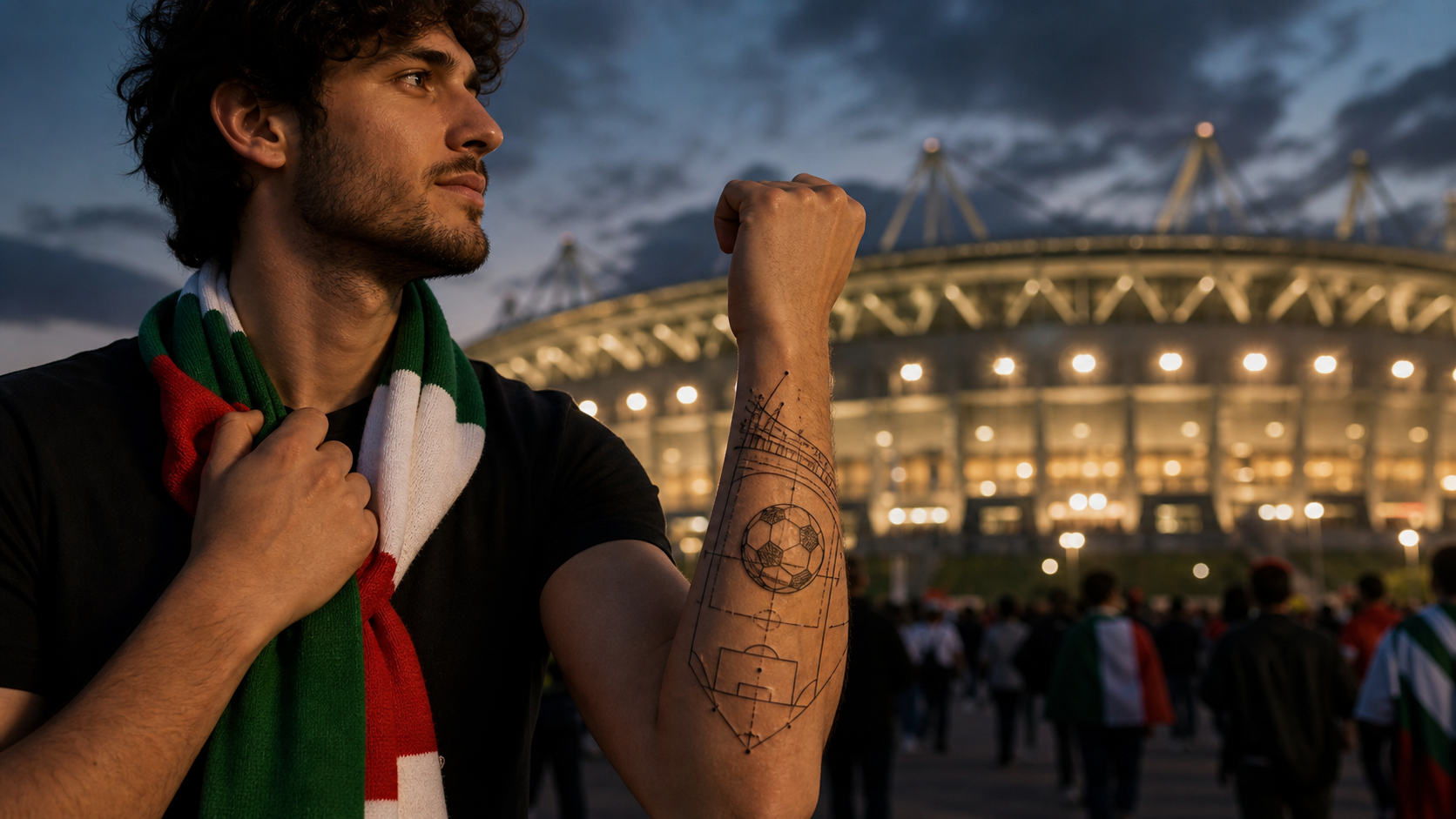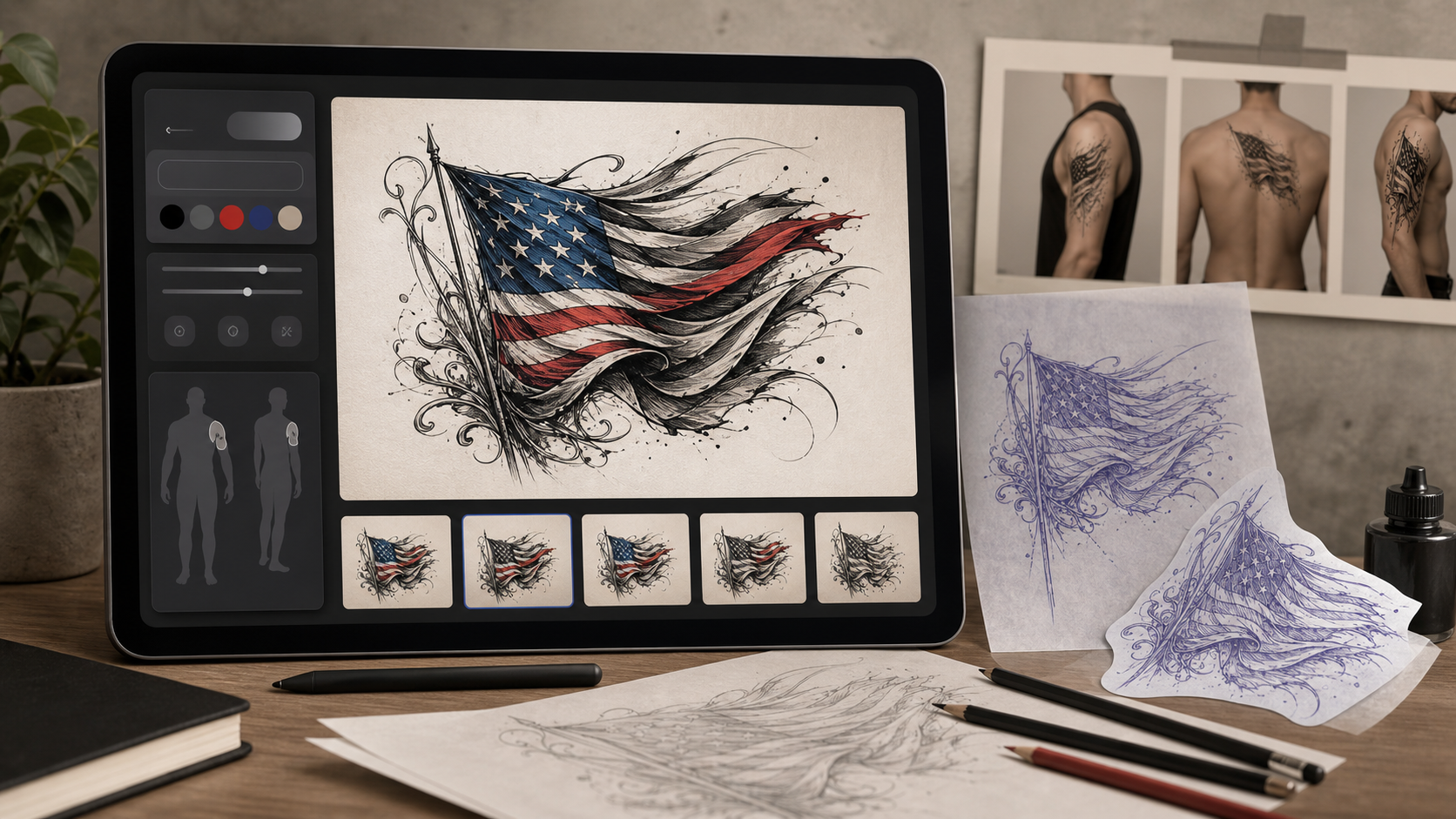
A flag tattoo generator helps you turn a national, regional, military, memorial, or cultural pride idea into a visual tattoo concept before you talk with an artist. Instead of starting with a vague request like "make it patriotic," you can describe the flag, style, placement, mood, and supporting symbols, then refine the result step by step.
This guide explains how to use Tattoo AI Design's Flag Tattoo Generator interface, what to include in your prompt, and how to expand the workflow with other Tattoo AI Design tools when you want broader concept development, a skin preview, or a video presentation.
Quick Summary
The best way to use a flag tattoo generator is to start with a specific tattoo description, choose the model and output settings, generate a first concept, then refine the prompt around placement, style, detail level, and symbolism. For flag tattoo ideas with AI, your prompt should describe the flag clearly while also naming the tattoo style, body area, color approach, and any meaningful objects such as an eagle, flowers, dates, ribbons, or military elements.
Why Use an AI Flag Tattoo Generator Before Getting Inked
Flag tattoos often carry personal meaning, so the design should be handled with more care than a generic decorative tattoo. A flag can represent home, heritage, service, remembrance, family history, regional pride, or a place that shaped someone's identity. Using an AI workflow gives you a low-pressure way to explore those ideas visually before committing to a final direction.
An AI tattoo design generator for patriotic tattoos is especially useful when you are comparing styles. For example, the same American flag tattoo can look bold and traditional, soft and memorial, black-and-grey and realistic, or minimalist and geometric. The generator gives you concept directions you can save, compare, and bring to a tattoo artist as a starting point.
How to Use a Flag Tattoo Generator Step by Step
The Flag Tattoo Generator interface is built around a simple workflow: describe the tattoo, adjust generation settings, then create and refine the result. The more precise your first description is, the easier it is to get a useful concept.
1. Enter a clear tattoo description
Start in the Tattoo Description field. This is where you explain the flag tattoo idea in normal language. A strong description usually includes five things: the flag, the tattoo style, the placement, the color treatment, and the mood.
Instead of writing:
American flag tattoo
try:
American flag tattoo on the outer forearm, realistic fabric folds, black-and-grey shading with selective red and blue accents, subtle memorial date on a ribbon, clean tattoo stencil composition
This gives the generator more visual direction. If you want a Mexican flag tattoo, Japanese flag tattoo, regional pride tattoo, or custom cultural flag concept, describe the flag respectfully and add the design context that matters to you.
2. Use the Translate toggle if needed
If your best description is not in English, use the Translate toggle when the interface offers it. This can help the generator interpret the prompt more consistently while letting you write the idea in the language that feels most natural.
This is useful for regional or cultural tattoos because names, places, and symbols may be easier to describe accurately in your own language. After generating, review the output carefully and adjust wording if any symbol or flag detail looks wrong.
3. Optionally upload a reference image
The interface also allows an optional reference image upload. Use this when you already have a flag image, a tattoo style reference, a placement mockup, or a symbol that should influence the final concept.
A reference image works best when you still write a detailed prompt. For example, upload a regional flag reference, then describe the tattoo as "minimalist linework shoulder tattoo with the flag simplified into flowing fabric, no text, clean negative space." The image gives visual context, while the prompt tells the AI what kind of tattoo to create.
4. Choose a model, such as Nano Banana Pro
Next, choose the generation model. If the interface shows a model such as Nano Banana Pro, use it when you want a more polished concept direction or more detailed image generation. Different models can interpret style, detail, and composition differently, so it is worth trying another model if your first result is close but not quite right.
For tattoo work, judge the model by practical design quality rather than surface detail alone. A useful result should have a readable silhouette, clear placement logic, and details that a tattoo artist could simplify or adapt.
5. Set ratio, resolution, color options, and tattoo background
Before clicking Generate, adjust the output settings around how you plan to use the design.
Use ratio to shape the image for the tattoo placement. A vertical ratio often works well for forearm, calf, spine, or sleeve concepts. A wider ratio can help with chest, shoulder blade, or banner-style flag tattoos.
Use resolution based on how much detail you need in the concept preview. Higher resolution can be useful for complex flags, eagle feathers, torn fabric, lettering, or memorial elements.
Use color options to decide whether the tattoo should be full color, black-and-grey, or more restrained with selective color accents. For flags, this matters because full color may be meaningful, while black-and-grey can look more timeless or subtle.
Use tattoo background to control how the image is presented. A clean background is often better for sharing with a tattoo artist, while a styled tattoo preview can help you evaluate the overall mood.
6. Toggle Public if needed
The Public toggle controls whether your generated design may be publicly visible within the platform experience. If your prompt includes personal names, memorial dates, military details, family references, or private symbolism, keep privacy in mind before enabling Public.
For personal flag tattoos, it is often better to generate privately first, refine the design, and only share a version when you are comfortable with the content.
7. Click Generate and refine the result
Click Generate after the description and settings are ready. Treat the first result as a draft, not the final tattoo. Look for the big decisions first: does the flag read correctly, does the placement make sense, does the style match your body area, and does the design have enough negative space?
Then refine the prompt. If the result is too busy, ask for "cleaner composition, fewer background elements, stronger silhouette." If it looks too flat, add "fabric folds, realistic shading, layered depth." If the flag details are not accurate enough, simplify the design or use a clearer reference image.
Ready-to-Copy Flag Tattoo Prompts
Use these prompts as starting points. Replace the country, region, placement, dates, and symbols with details that fit your own tattoo idea.
American flag tattoo prompt
American flag tattoo for the outer forearm, realistic waving fabric, black-and-grey shading with selective red and blue accents, subtle stars and stripes, clean negative space, tattoo stencil-friendly composition
Mexican flag tattoo prompt
Mexican flag tattoo on the upper arm, detailed eagle and serpent emblem, rich green white and red color palette, ornamental border inspired by traditional tattoo framing, balanced readable layout
Japanese flag tattoo prompt
Japanese flag tattoo on the shoulder, minimalist red sun circle with soft brush texture, black ink wave accents, clean modern composition, simple enough for a refined tattoo
Black-and-grey flag sleeve prompt
Black-and-grey flag sleeve tattoo, torn fabric flag wrapping around the arm, realistic shading, smoke-like background, strong contrast, no bright color, cohesive full sleeve layout
Torn flag forearm tattoo prompt
Torn flag forearm tattoo, realistic ripped fabric edges, deep shadows, wind movement, bold readable flag details, vertical composition designed for the inner forearm
Flag and eagle tattoo prompt
Flag and eagle tattoo for the upper arm, eagle wings spread behind a waving flag, realistic feathers, patriotic mood, strong central silhouette, tattoo-ready black-and-grey shading with optional color accents
Minimalist flag tattoo prompt
Minimalist flag tattoo on the wrist, simplified flag shape using clean fine lines, small scale, no background, subtle symbolic design, elegant negative space
Watercolor flag tattoo prompt
Watercolor flag tattoo on the shoulder blade, soft flowing flag colors, light ink splashes, clean linework outline, expressive but readable, modern artistic tattoo concept
Memorial patriotic tattoo prompt
Memorial patriotic flag tattoo, folded flag with ribbon and small date area, soft black-and-grey realism, respectful mood, gentle light source, clean composition for chest or upper arm placement
Regional or cultural pride tattoo prompt
Regional cultural pride flag tattoo, flag incorporated into a flowing fabric design with local landmark and native flowers, balanced symbolism, respectful composition, clean tattoo stencil style
How to Improve Flag Tattoo Ideas With AI
Good flag tattoo prompts are specific, but not overloaded. If you ask for a flag, eagle, portrait, map, quote, clock, flowers, smoke, skyline, and multiple dates in one small forearm tattoo, the result may become crowded. A better approach is to choose one primary symbol and one or two supporting details.
Use these refinement phrases when your result needs adjustment:
- "Make the flag more readable and reduce background detail."
- "Use stronger tattoo stencil lines and less painterly texture."
- "Create a cleaner black-and-grey version with high contrast."
- "Make the design suitable for a small wrist tattoo."
- "Turn this into a full upper-arm sleeve concept."
- "Keep the flag accurate but simplify the emblem."
- "Add more negative space around the main symbol."
This is where AI works best as a concept partner. You are not replacing the tattoo artist; you are building clearer visual references so the artist can understand the direction faster.
Expand the Workflow With Other Tattoo AI Design Tools
The flag generator is the most direct tool for flag-specific concepts, but you can combine it with other Tattoo AI Design tools when the idea needs more development.
Use the AI Tattoo Design Generator when you want broader concept development. This is useful if your flag tattoo is part of a larger piece, such as a patriotic half sleeve, family heritage tattoo, travel-inspired tattoo, or memorial composition. It can help you create detailed tattoo concepts with AI before narrowing the idea into a flag-focused prompt.
Use the AI Tattoo Generator for text-to-tattoo ideation. If you only have a rough phrase like "flag and eagle forearm tattoo" or "minimalist cultural pride tattoo," this tool can help you explore basic directions before you polish the prompt in the flag-specific generator.
Use AI Tattoo Try On to preview a tattoo on skin with AI. A virtual tattoo try on before getting inked can help you judge scale, placement, and body flow. This is especially helpful for flag tattoos because fabric movement and horizontal stripes can look very different on a forearm, chest, shoulder, or calf.
Use the AI Tattoo Video Generator when you want to animate tattoo ideas into video. This can be useful for presentations, social content, or showing the evolution of a design concept. An AI tattoo video generator for presentations can turn tattoo designs into motion previews, but the final tattoo decision should still be based on a clear static design that your artist can interpret.
Practical Checklist Before You Share the Design With an Artist
Before taking an AI-generated flag tattoo concept to a studio, review it with a practical eye. The design should communicate your idea, but it does not need to be a perfect final stencil.
Check these points:
- The flag is recognizable and respectful.
- The design works for the body placement you want.
- Small details are not too tiny to tattoo cleanly.
- Text, dates, and emblems are readable.
- The color approach matches your long-term preference.
- There is enough negative space for the tattoo to age well.
- The concept leaves room for your artist's professional adaptation.
If the AI result has a strong overall direction but messy details, that is still useful. Save the best version, write a short note about what you like, and ask your tattoo artist what should be simplified for skin.
FAQ
What is the best AI flag tattoo generator?
The best AI flag tattoo generator is the one that lets you describe the tattoo clearly, adjust visual settings, and refine results without forcing a generic style. Tattoo AI Design's flag-specific generator is useful because it focuses the workflow on flag tattoo ideas with AI while still giving you model, reference image, ratio, resolution, color, background, and privacy controls.
Can I use AI Tattoo Try On for flag tattoos?
Yes. AI Tattoo Try On can help you preview a tattoo on skin with AI after you create a flag concept. Use it to test placement and scale, especially for forearm, upper arm, chest, shoulder, back, and calf tattoos.
Should a flag tattoo be full color or black-and-grey?
It depends on the meaning, placement, and style. Full color can make a national or regional flag immediately recognizable, while black-and-grey can feel more subtle, memorial, or realistic. You can generate both versions and compare them before choosing.
Can I animate a flag tattoo concept?
Yes. The AI Tattoo Video Generator can help animate tattoo ideas into video or turn tattoo designs into motion previews. Use this for presentation or sharing, but keep a clean static image for the tattoo artist.
Do I still need a tattoo artist after generating a design?
Yes. AI can help you create a concept, but a tattoo artist should adapt it for anatomy, line weight, aging, skin tone, placement, and stencil practicality. Bring the AI image as reference, not as a final technical tattoo plan.
Recommended Reading
For more AI tattoo workflow ideas, read:
- ChatGPT Image 2 for Tattoo Ideas: What's New, How to Prompt It, and When to Use a Tattoo Generator
- Best Free Text-to-Tattoo AI Generators in 2026 (Plus a Top Pick)
- How to Generate Fine-Line Tattoo Ideas with Tattoo AI Design's FineLine Tattoo Generator
- How to Create Better Anchor Tattoo Ideas with TattooDesign AI
- How to Create Classic Sailor Jerry Tattoo Ideas with TattooDesign AI
People also read:
- How to Turn Images Into Better AI Prompts with HeyDream AI
- Nano Banana Pro on DreamMachine AI: A Practical Way to Create Better AI Images
- ChatGPT Image 2 Release: Features, Prompts, and API Guide
- Hailuo 02 Prompt Guide: How to Use Hailuo AI for Image to Video on VideoWeb
- How to Use the AI Music Video Generator: A Detailed Guide from Song to Video
Conclusion
A flag tattoo generator is most useful when you treat it as a structured design workflow: write a specific description, choose the right settings, generate a first concept, then refine the result around placement, readability, and symbolism. Start with the Flag Tattoo Generator for flag-specific ideas, then use Tattoo AI Design's broader design, try-on, and video tools when you want to develop, preview, or present the final concept.