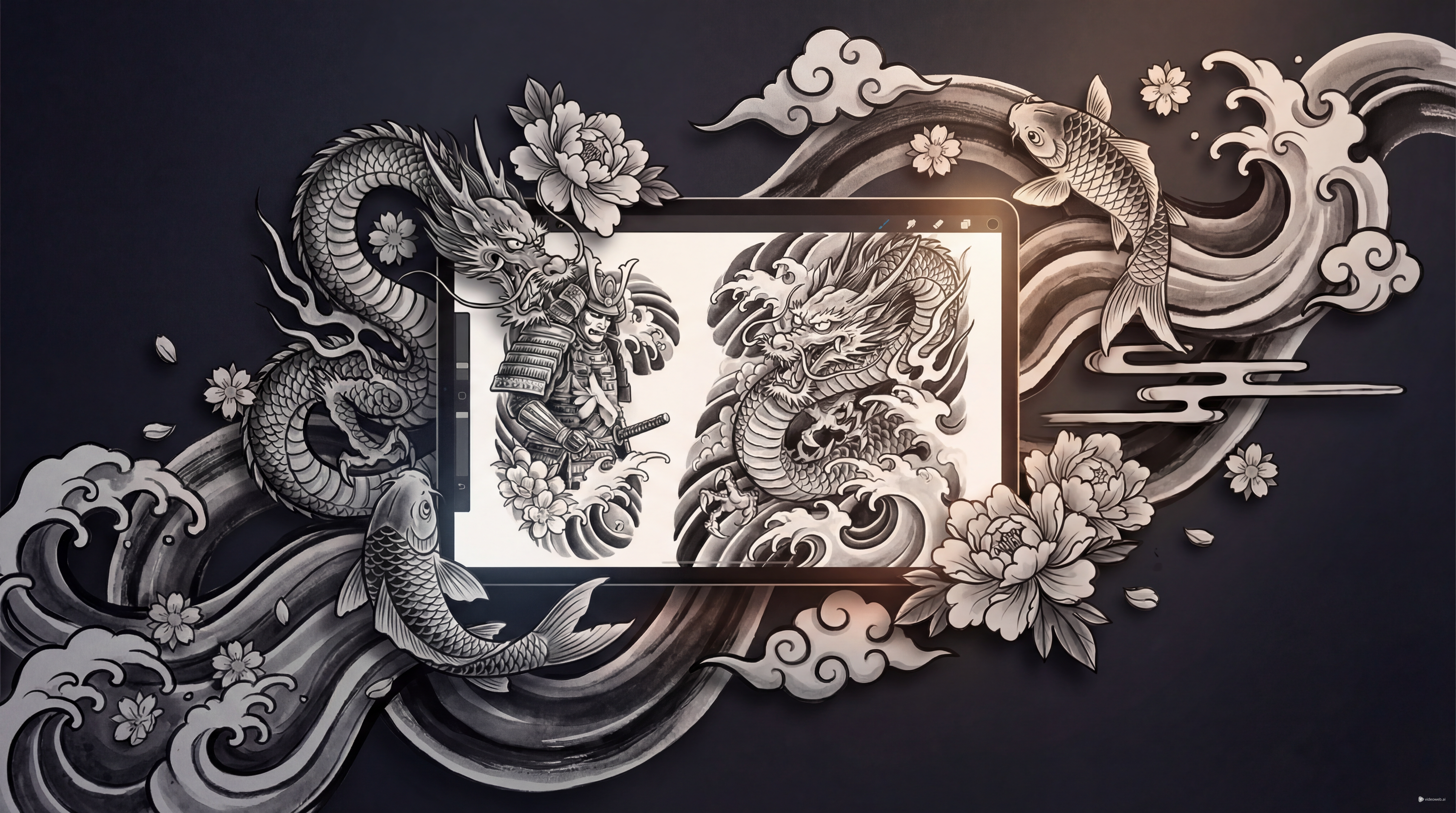
Planning Japanese-style tattoo art takes more than picking a cool symbol. The strongest designs rely on flow, symbolism, and how each motif moves across the body. A dragon, koi, peony, or wave pattern may look powerful on its own, but the overall composition is what makes the design feel complete.
That is why many people want clearer visual direction before they ever speak to a tattoo artist. Tattoo AI Design’s Japanese Tattoo Generator can help with that first stage. Instead of starting from a blank page, you can use the tool to test composition ideas, compare motifs, and build a concept that feels closer to your taste.
This guide explains how to use the generator to create better Japanese traditional tattoo ideas, refine them more effectively, and turn rough inspiration into a design direction worth saving.
What Makes Japanese Tattoo Design So Distinct
Strong japanese tattoos are known for movement, symbolism, and visual rhythm. Rather than treating each element like a separate sticker, this style usually connects the main image with supporting motifs such as waves, wind bars, clouds, blossoms, snakes, or fire. That is why the designs often feel alive across the body.
A traditional Japanese tattoo also tends to depend on story and balance. A dragon can suggest strength, protection, or transformation. Koi often carry ideas of perseverance and ambition. Peonies, tigers, oni masks, and phoenixes each bring their own visual weight and symbolic energy.
Because of that, this style usually needs more planning than a tiny one-symbol tattoo. You are not only choosing a motif. You are choosing how it flows.
Why Use an AI Tool for Japanese Tattoo Concepts
When you already have a vague idea but not a finished design, a focused ai tattoo generator can save time. Instead of collecting random screenshots and hoping they fit together, you can generate several concept directions from one prompt and start comparing what works.
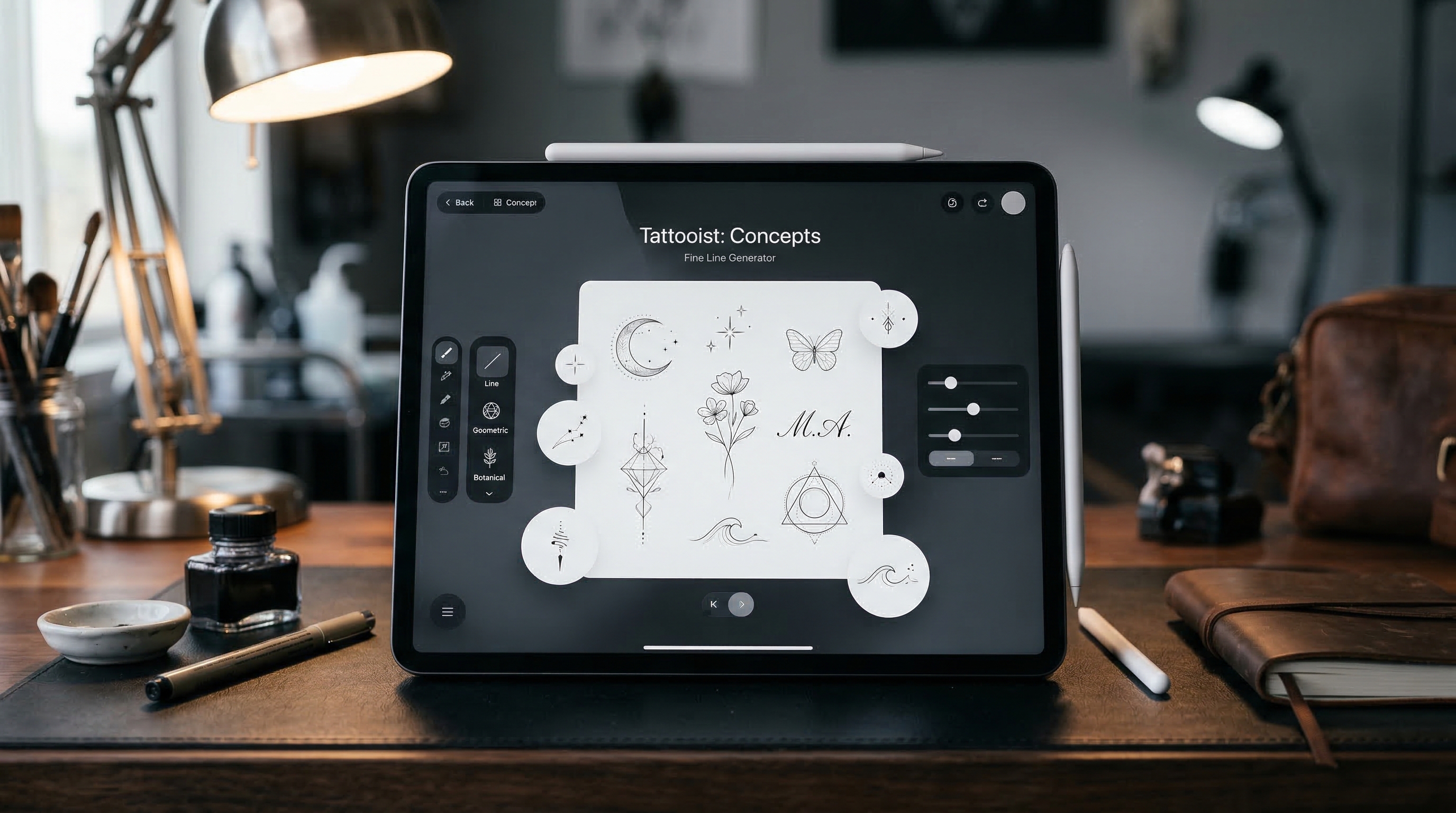
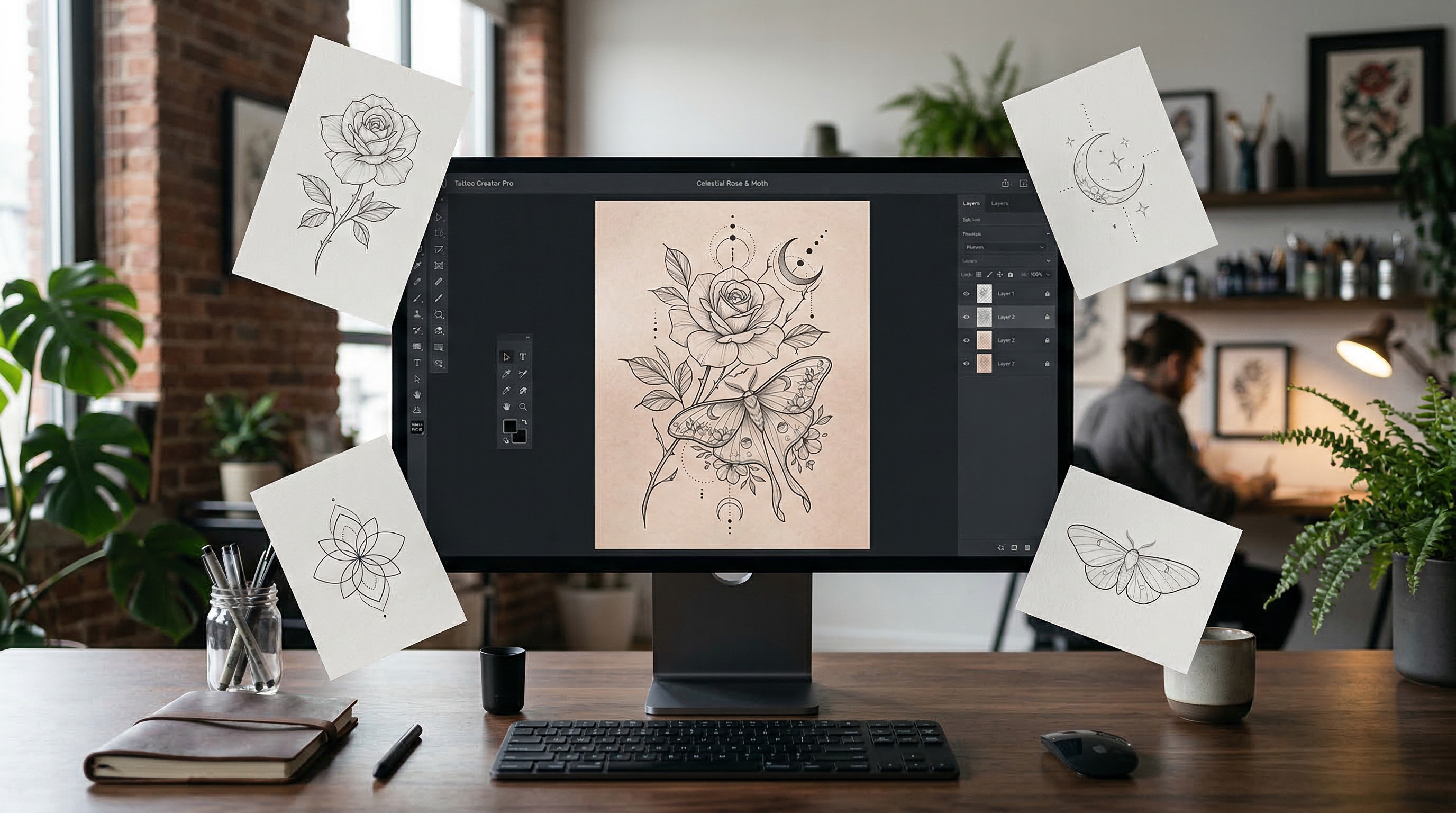
Tattoo AI Design’s Japanese Tattoo Generator is especially useful for this because it is aimed at tattoo ideation rather than generic image making. You can enter a prompt, upload a reference image, select output settings, and keep refining the design until it starts to feel coherent.
That does not mean the AI replaces the tattoo artist. It means you arrive with a clearer visual conversation starter.
How to Generate Better Japanese Tattoo Ideas
1. Start with one main motif
Choose one anchor subject first. This could be a koi fish, phoenix, tiger, oni mask, peony, or dragon tattoo concept. Starting with one main image gives the design a center of gravity.
Once that core motif feels right, you can add support elements like waves, maple leaves, smoke, or cherry blossoms. For larger Japanese traditional tattoo concepts, this order matters. If everything is equally important, the composition often becomes noisy.
2. Write prompts like a tattoo brief
A better prompt does more than name the subject. It describes the style, flow, and intended placement.
For example:
- Japanese dragon sleeve tattoo, bold outline, flowing clouds and waves, black and grey, dynamic arm composition
- traditional koi and peony half-sleeve, irezumi-inspired layout, strong body flow, black and grey, white background
- oni mask chest panel tattoo, dramatic wind bars, bold composition, traditional Japanese style
When you use an ai tattoo generator this way, the results usually look more like tattoo concepts and less like generic posters.
3. Use reference images when composition matters
Reference uploads are especially helpful for this style because placement and flow are so important. A sleeve, back piece, rib panel, or thigh design needs direction, not just detail.
If you already have a sketch, a body-placement idea, or a favorite visual structure, upload it. This makes it easier to guide the tool toward the kind of traditional Japanese tattoo layout you want instead of starting from pure guesswork.
4. Match the settings to the intended placement
A vertical format works better for sleeves, calves, and side panels. A wider layout may make more sense for back or chest concepts. Black and grey is often the cleanest option when you want to judge the structure first. A white background also makes the linework easier to inspect.
Settings matter because good japanese tattoos rely on composition. Even a powerful motif can look weak if the overall layout does not suit the body area.
5. Generate multiple versions before choosing one
The first output is rarely the final answer. Try several versions of the same idea. Change the supporting motifs, reduce clutter, adjust the orientation, or simplify the background.
This is where a dragon tattoo prompt can improve fast. One version may look too stiff, another too crowded, and a third may suddenly have the right movement. Iteration is the real advantage.
Prompt Tips for Stronger Results
For better results, use phrases that support tattoo structure: “bold outlines,” “irezumi-inspired,” “dynamic body flow,” “balanced negative space,” “wave and wind motifs,” and “black-and-grey tattoo design.” These details guide the tool toward a more tattoo-friendly output.
It also helps to limit the number of major subjects. One hero motif plus one or two support elements usually works better than trying to fit an entire story into one image.
If your result feels too busy, simplify the prompt. If it feels too empty, strengthen the main image before adding extra decorations. A great traditional Japanese tattoo design feels intentional, not overloaded.
Common Mistakes to Avoid
One common mistake is treating the AI output like finished tattoo art. It is better to see it as concept material. A real tattoo artist still needs to adapt the design for anatomy, line longevity, and skin flow.
Another mistake is asking for too many symbols at once. Traditional Japanese-inspired work can be rich, but it still needs hierarchy. Too many focal points weaken the design.
It is also easy to ignore placement. A design that works on a back piece will not automatically work on a forearm. Good Japanese traditional tattoo ideas are placement-aware from the start.
Turning AI Concepts Into Better Tattoo Decisions
Once you have a few strong results, shortlist the best three to five and compare them for symbolism, clarity, body flow, and tattooability. Then bring those concepts to a tattoo artist for refinement.
That is the smartest way to use Tattoo AI Design’s Japanese Tattoo Generator. It helps you prepare, narrow your taste, and communicate more clearly. Used well, it can turn vague inspiration into stronger japanese tattoos worth developing further.
Other Tools Worth Trying
- AI Tattoo Generator
- AI Tattoo Try On
- AI Tattoo Design Generator
- AI Tattoo Video Generator
- Explore More Tattoo Styles
Related Article
- Best Free Text-to-Tattoo AI Generators in 2026 (Plus a Top Pick)
- FAQs about AI Tattoo Generator: The Complete Guide to Custom Ink with TattooAI.design
- Seedream 5.0 Tattoo Design Guide: Prompts, Styles, and Pro Tips
People Also Read
- Seedream 5.0 AI Image Editor Guide on HeyDream AI (2026)
- Nano Banana Pro on DreamMachine AI: A Practical Way to Create Better AI Images
- The Complete Guide to Flux.2 Pro AI Image Generation: Features, Tips, Prompts & Why Creators Love It
- How to Use Nano Banana 2 for AI Image Generation and Editing
- How to Use Sea Imagine AI’s Image Generator: A Beginner-Friendly Tutorial