If you like tattoos that feel raw, funny, bold, and intentionally unpolished, the ignorant style has probably already caught your eye. This look is not about perfect symmetry or polished realism. It is about attitude. Thick lines, awkward charm, doodle energy, and instantly readable shapes are what make it work.
如果你喜歡那種原始、搞笑、大膽,而且刻意帶點「不精緻」感覺的刺青,那麼 ignorant 風格多半已經吸引過你的注意。這種風格不是在追求完美對稱或精緻寫實,而是在表達態度。粗線條、尷尬卻有魅力的感覺、像塗鴉般的能量,以及一眼就看得懂的形狀,就是讓它成立的關鍵。
That same roughness, though, can be harder to plan than it seems. A design that looks careless in a good way still needs structure. If it is too messy, it loses impact. If it is too cleaned up, it stops feeling like the style at all. That is where Tattoo AI Design’s Ignorant Tattoo Generator becomes useful.
但這種「粗糙感」其實比看起來更難規劃。看起來「故意隨便」但還是好看的設計,背後一樣需要結構。太混亂就失去力量,太乾淨又會完全不像這個風格。這就是 Tattoo AI Design 的 Ignorant Tattoo Generator 派上用場的地方。
This guide shows how to use the tool to create stronger tattoo ignorant style concepts, refine them quickly, and turn rough inspiration into something worth bringing to a tattoo artist.
這份指南會教你如何使用這個工具,創造更有力的 tattoo ignorant style 概念、快速微調,並把粗略靈感打磨成值得拿給刺青師參考的設計。
What Makes the Ignorant Style So Distinct
Ignorant 風格為什麼這麼特別
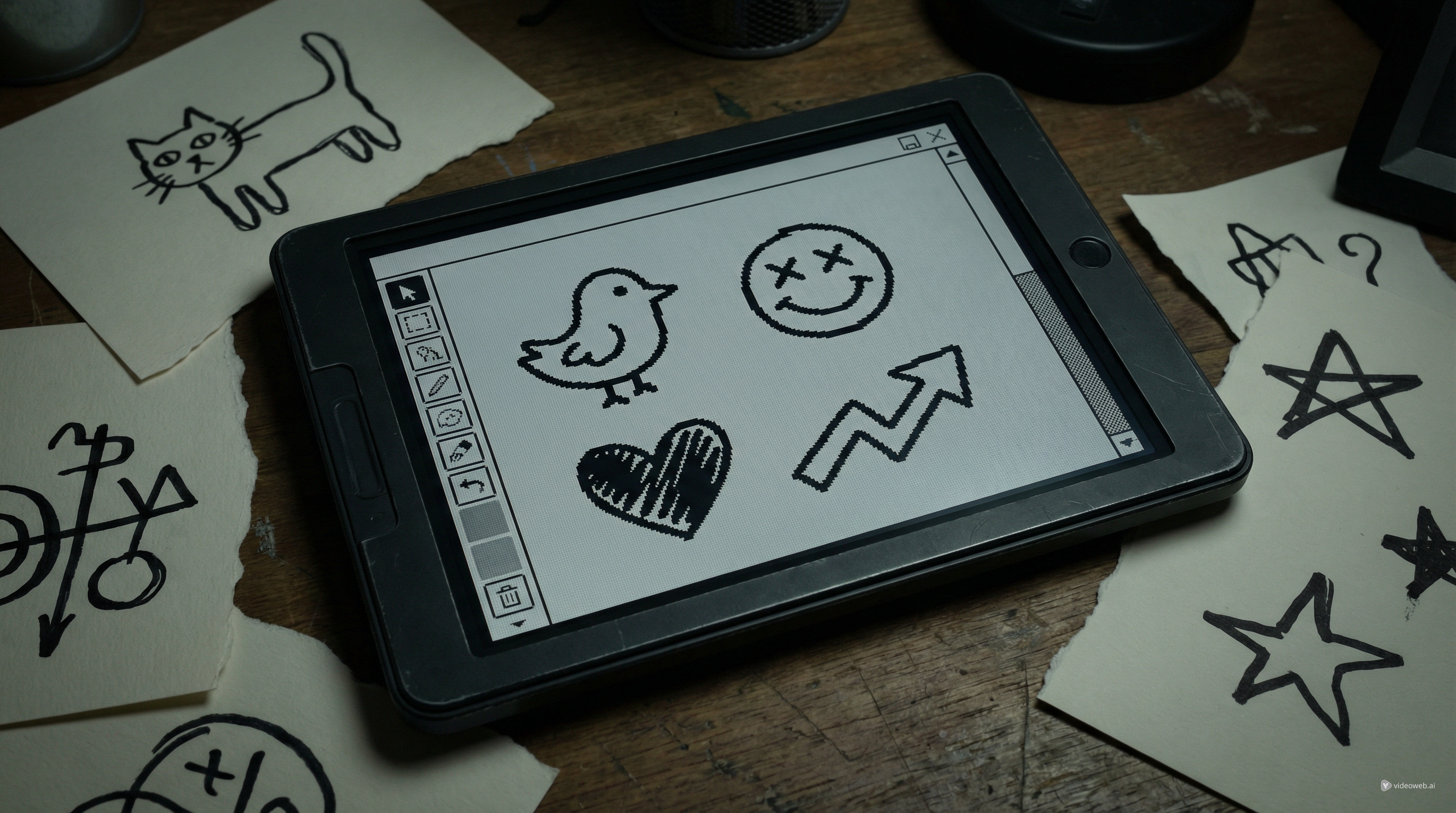
An ignorant style tattoo usually looks simple on purpose. It often uses thick outlines, uneven proportions, naive drawing logic, hand-drawn humor, and anti-polished composition. That is why the style feels rebellious. It often looks closer to a confident doodle than a classic tattoo illustration.
一個 ignorant style tattoo 通常是刻意做得很簡單。它常用粗線條、不平均的比例、像小孩塗鴉一樣的畫法邏輯、手繪式的幽默感,以及完全不走精緻路線的構圖。也因此,這個風格帶有一種反叛感,看起來更像是「很有自信的塗鴉」,而不是傳統那種精緻刺青插畫。
But “simple” does not mean random. The strongest ignorant tattoos are still clear. You should understand the joke, the icon, or the subject immediately. A crooked face, weird animal, crude symbol, or sarcastic phrase only works when the design is readable at a glance.
但「簡單」不代表「隨便亂來」。最好的 ignorant 風刺青依然非常清楚,你應該可以立刻看懂裡面的笑點、圖示或主題。歪掉的臉、怪異的動物、粗糙的符號或帶點諷刺的字句,都只有在一眼就看得懂的情況下才有力量。
That is why a good ideation workflow matters. Instead of relying on one random sketch, you can use an AI tattoo generator to test several directions and keep the one that has the most character.
所以好的發想流程就很重要。比起只依賴一張隨手草稿,你可以用 AI tattoo generator 去試好幾種方向,然後留下最有個性、最有味道的那一個。
Why Use Tattoo AI Design’s Ignorant Tattoo Generator
為什麼要用 Tattoo AI Design 的 Ignorant Tattoo Generator
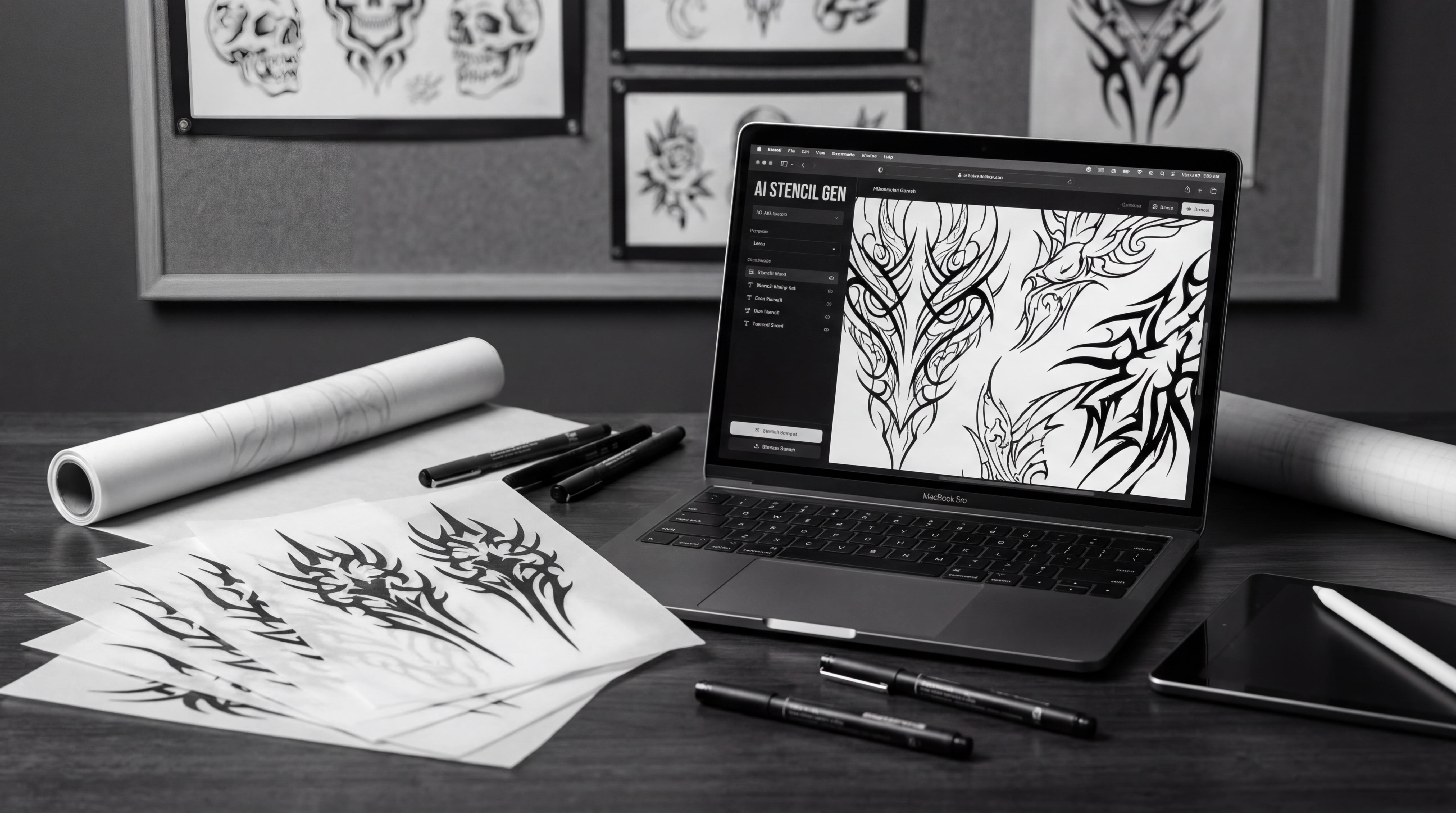
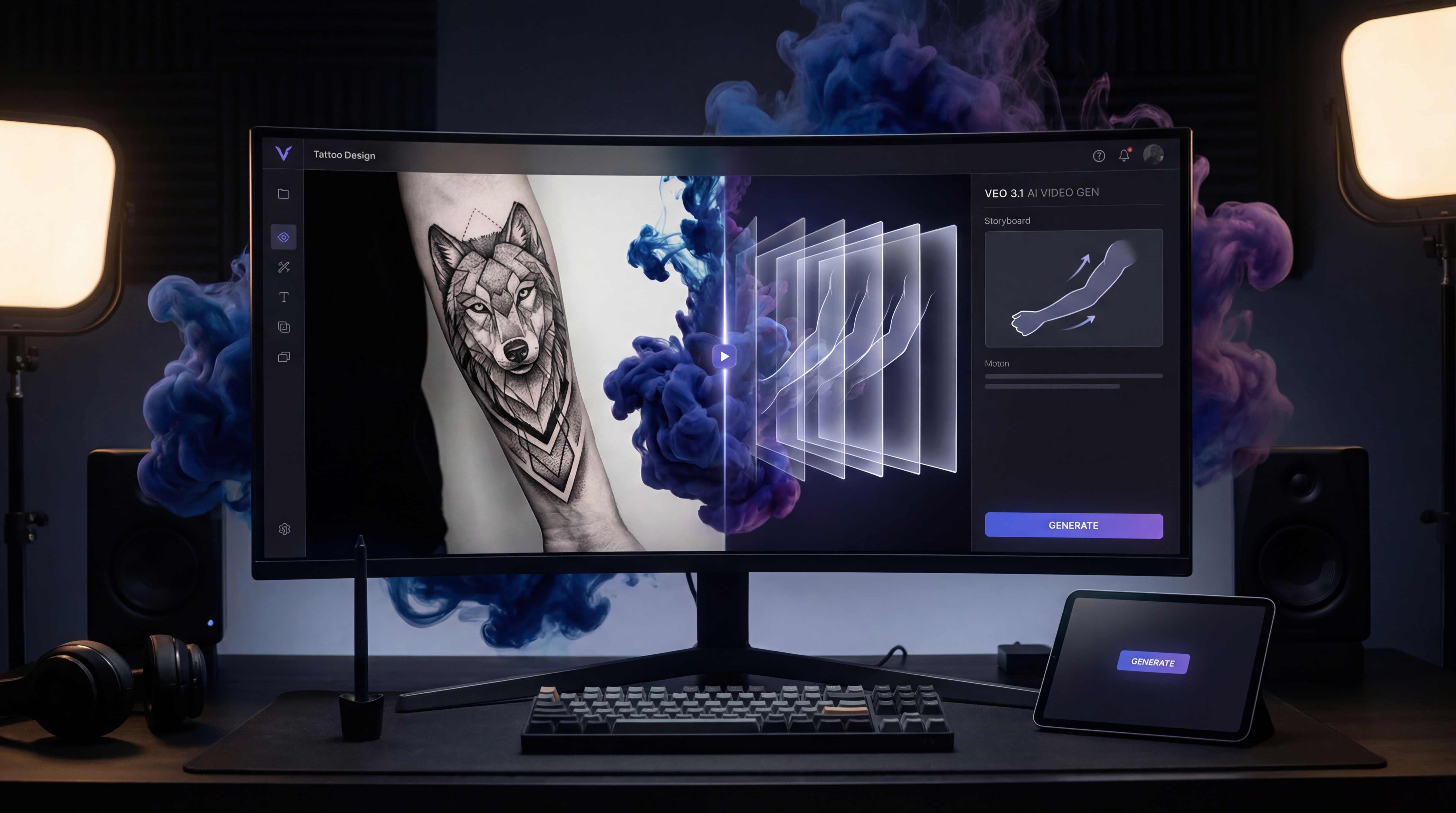
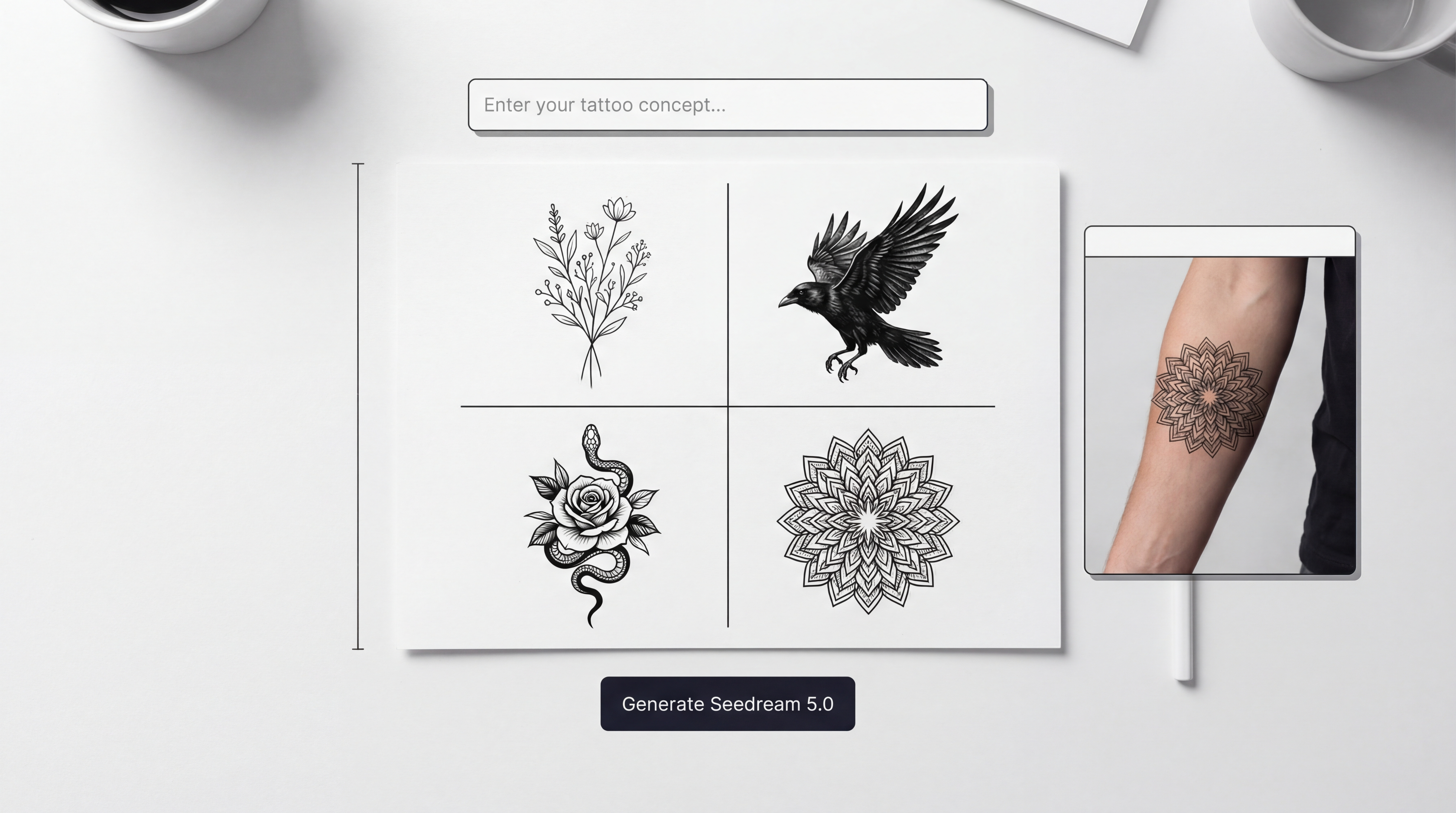
Tattoo AI Design’s Ignorant Tattoo Generator is built for this exact visual language. Based on the current interface, you can enter a tattoo description, upload a reference image, choose a ratio, set the resolution, pick black-and-grey output, and select the background. The model menu also shows several generation options, including Nano Banana Pro, Nano Banana 2, Seedream 4.0, Seedream 4.5, and Seedream 5.0.
Tattoo AI Design 的 Ignorant Tattoo Generator 就是專門為這種視覺語言打造的。以目前的介面來說,你可以輸入刺青描述、上傳參考圖片、選擇長寬比例、設定解析度、選擇黑白灰輸出,以及設定背景。模型選單裡也提供多種生成選項,包括 Nano Banana Pro、Nano Banana 2、Seedream 4.0、Seedream 4.5 和 Seedream 5.0。
That setup makes the tool practical for experimentation. Instead of starting from zero every time, you can test how a weird face, crude cartoon, rough text concept, or hand-drawn symbol changes across different prompts and models.
這樣的設定讓這個工具非常適合做各種嘗試。你不需要每次都從零開始,可以直接測試一張怪臉、粗糙的卡通、粗略的文字概念或手繪符號,在不同提示詞和不同模型下會變成什麼樣子。
A strong ignorant tattoo style AI generator workflow is not about finding one perfect result instantly. It is about trying bold variations fast, spotting what feels alive, and refining only the best directions.
一個好用的 ignorant tattoo style AI generator 工作流程,不是要你一次就生出唯一完美的作品,而是快速生成大膽變化,找出那些「有生命力」的版本,再只針對最好的方向進一步打磨。
How to Generate Better Ignorant Tattoo Ideas
如何產出更好的 Ignorant 刺青點子
1. Start with one weird but simple concept
1. 從一個怪但簡單的概念開始
This style works best when the subject is easy to read. Start with one idea only: a bent smiley face, awkward bird, sad flower, angry cat, strange sword, clumsy heart, or childish phrase. If you mix too many concepts at once, the result often becomes noisy rather than memorable.
這個風格在主題越好讀的時候效果越好。先從「只有一個」概念開始就好:一個彎掉的笑臉、一隻尷尬的小鳥、一朵難過的花、一隻生氣的貓、一把怪異的劍、一顆笨拙的愛心,或是一句很幼稚的短語。如果一次把太多概念混在一起,最後通常只會變得雜亂,而不是讓人記得住。
For tattoo ignorant style ideas, one strong symbol usually beats a crowded composition.
對 tattoo ignorant style 而言,一個夠強烈的符號,往往比一個塞滿東西的複雜構圖還要好。
2. Write prompts that sound like the style
2. 用「聽起來就很 ignorant」的方式寫提示詞
Do not describe the design like a polished illustration brief. Describe it like the tattoo should actually feel. Mention the subject, the boldness, the rough linework, and the overall mood.
不要把提示詞寫得像精緻插畫的委託說明,而是寫成你希望刺青「看起來、感覺起來」是什麼樣子。提到主題、線條的粗獷、筆觸的粗糙感,以及整體氛圍。
For example:
例如:
-
crooked smiley face, thick black lines, naive doodle tattoo, simple arm placement, white background
-
awkward cartoon bird, bold outline, playful ignorant tattoo drawing, black ink, centered composition
-
crude heart with tiny dagger, hand-drawn look, intentionally simple, rough tattoo flash style
-
crooked smiley face, thick black lines, naive doodle tattoo, simple arm placement, white background
-
awkward cartoon bird, bold outline, playful ignorant tattoo drawing, black ink, centered composition
-
crude heart with tiny dagger, hand-drawn look, intentionally simple, rough tattoo flash style
Using an AI tattoo generator this way usually gives better results than asking for something too polished or overly detailed.
用這種方式操作 AI tattoo generator,通常會比你要求一個「超精緻、細節爆多」的設計還要更貼近這個風格。
3. Upload a reference when you already know the vibe
3. 當你已經知道想要的「味道」時,上傳參考圖
If you already have a doodle, meme-like sketch, crude symbol, or screenshot of a drawing style you like, upload it. A reference image helps the generator stay closer to the energy you want.
如果你手上已經有一張塗鴉、一個像迷因的草圖、一個粗糙符號,或是一種你喜歡的畫風截圖,把它上傳。參考圖片可以幫助生成更貼近你想要的感覺與能量。
This is especially useful for ignorant-style concepts because the feeling matters as much as the subject. A rough sketch can communicate more than a long description. In that sense, the tool works well as an ignorant tattoo style AI generator for pic-to-tattoo inspiration too.
這對 ignorant 風格特別有幫助,因為這種風格的「感覺」和主題本身一樣重要。一張粗略草圖,有時比一大段文字描述更能表達你要的東西。從這個角度來看,這個工具也很適合作為把圖片轉成刺青靈感的 ignorant tattoo style AI generator。
4. Keep the settings clean even if the design is rough
4. 即使設計很粗糙,設定還是要乾淨
The tattoo itself may look crude, but your preview settings should stay clean. A white background makes it easier to judge the linework. Black and grey keeps the concept close to classic tattoo presentation. A 1:1 ratio works well for centered flash-style images, while higher resolution helps when comparing line shapes.
刺青本身可以看起來很粗糙,但預覽設定應該保持乾淨。白色背景可以讓你更容易看清線條;黑白灰可以讓作品更接近傳統刺青稿的呈現;1:1 比例很適合置中的 flash 風格圖案,而高解析度則有助於比較不同線條形狀。
The current tool layout makes this easy to control. Even when you are generating something deliberately rough, clean review settings help you see whether the concept is working.
以現在的工具介面來說,這些都很好調整。就算你刻意生成很粗糙的作品,乾淨的預覽設定可以讓你更清楚看出這個概念到底行不行。
5. Generate variations and keep the personality
5. 多產生變化,但保留個性
The first output is just a draft. Try several versions. Change the line thickness, exaggerate the awkwardness, simplify the text, distort the face more, or reduce visual clutter. The goal is not to make it perfect. The goal is to make it feel more alive.
第一次生成的結果只是一個草稿而已。試多幾個版本:改變線條粗細、把尷尬感再誇張一點、把文字再簡化、把臉畫得更變形一點,或是減少畫面雜訊。你的目標不是把它修到完美,而是讓它看起來更有生命。
That is the biggest advantage of using an ignorant style tattoo workflow with AI: you can iterate quickly without sanding down the character.
這就是用 AI 來做 ignorant style tattoo 工作流程最大的優點:你可以快速反覆嘗試,而不用擔心把原本的個性磨光。
Prompt Tips for Stronger Results
提示詞撰寫小技巧:讓成果更有力
Good prompt words for this style include “naive,” “doodle-style,” “bold outline,” “crude drawing,” “awkward,” “playful,” “ironic,” and “intentionally simple.” These phrases help the model stay in the right visual lane.
適合這個風格的提示詞,包含「naive(天真)」、「doodle-style(塗鴉風)」、「bold outline(粗輪廓)」、「crude drawing(粗糙畫風)」、「awkward(尷尬)」、「playful(玩味感)」、「ironic(諷刺)」、「intentionally simple(刻意簡單)」。這些字眼可以幫模型維持在正確的視覺風格裡。
Subjects that often work well include cartoon faces, badly drawn animals, funny objects, crooked text, hand-drawn icons, and anti-aesthetic symbols. Subjects that often work less well include realistic portraits, heavily detailed scenery, and anything that depends on delicate rendering.
很適合這種風格的題材包括:卡通臉、畫得很爛的動物、好笑的小物、歪七扭八的文字、手繪圖示,以及故意反美學的符號。比較沒那麼適合的,則是寫實人像、細節超多的風景,或任何需要細膩刻畫才能成立的東西。
If you want a stronger tattoo ignorant style result, ask for clarity first and weirdness second. The design should still read fast.
如果你想要一個更強烈又好看的 tattoo ignorant style 成果,先要求「清楚」,再追求「怪」。這個設計應該仍然要能快速被看懂。
Common Mistakes to Avoid
常見錯誤與雷區
One common mistake is over-explaining the prompt. The style is stronger when the idea stays direct. Another is asking for realism, shading complexity, or high-detail rendering that fights the ignorant aesthetic.
常見的一個錯誤,就是提示詞寫得太複雜、太多說明。這個風格在想法越直接時效果越好。另一個錯誤,是要求寫實、超複雜的明暗與高細節表現,這會和 ignorant 的美學直接衝突。
It is also a mistake to polish the concept too much. This style lives on rough edges. Clean enough to read is good. Clean enough to look conventional is not.
把概念修得太乾淨也是一種錯誤。這種風格就是靠那些粗糙邊緣在撐場面。乾淨到「看得懂」剛剛好;乾淨到像一般傳統刺青,就不對味了。
Finally, remember that AI output is reference material, not final tattoo-ready art. A tattoo artist still needs to adapt it for placement, skin flow, line durability, and long-term readability.
最後要記得,AI 生成的圖只是「參考素材」,不是刺青師可以直接拿來刺的最終定稿。專業刺青師還是需要依照位置、肌膚流向、線條的耐久度,以及長期可讀性去修改。
Turning AI Concepts Into Real Tattoo Decisions
把 AI 構想變成真正的刺青選擇
Once you have several options, shortlist the best three to five and compare them for humor, clarity, personality, and tattooability. Then bring those concepts to a real tattoo artist.
當你手上有一堆選項後,先挑出三到五個最有潛力的,比較它們的幽默感、清晰度、個性,以及是否適合作為刺青。接著再把這些概念拿給真正的刺青師討論。
That is where the process becomes valuable. Instead of saying, “I want something weird and bold,” you can show a direction that already matches your taste. In that sense, an AI tattoo generator does not replace tattoo craft. It helps you prepare for a better conversation.
這就是整個流程真正有價值的地方。你不再只是跟對方說「我想要一個很怪、很大膽的圖」,而是可以拿出幾個已經接近你品味的方向來討論。從這個角度來說,AI tattoo generator 並不是用來取代刺青技藝,而是幫你準備好更有效率、更具體的溝通。
If used well, Tattoo AI Design’s Ignorant Tattoo Generator can help you create bolder concepts, test stranger ideas faster, and find an ignorant style tattoo direction that actually feels personal.
如果用得好,Tattoo AI Design 的 Ignorant Tattoo Generator 能幫你創造更大膽的概念、更快速地測試怪點子,並找到一個真正符合你個人感覺的 ignorant style tattoo 方向。
Other Tools Worth Trying
其他值得一試的工具
- AI Tattoo Generator
- AI Tattoo Try On
- AI Tattoo Design Generator
- AI Tattoo Video Generator
- Explore More Tattoo Styles
Related Article
相關文章
- How to Generate Kleine Tattoo Ideas with Tattoo AI Design’s Kleine Tattoo Generator
- From Them Saying “I Can’t Picture It” to “That’s the One”: A Viewer-First Guide to an AI Tattoo Video Generator
- Veo 3.1 Tattoo Video Generation Guide: How to Turn Tattoo Ideas Into Motion
People Also Read
延伸閱讀
- Nano Banana Pro on DreamMachine AI: A Practical Way to Create Better AI Images
- Flux.2 Pro AI Image Generation: Full Guide, Features & Tips
- GPT4o Image Generation Guide: Create Stunning Art with the GPT 4o Image Generator
- How to Use Sea Imagine AI’s Image Generator: A Beginner-Friendly Tutorial
- Seedream 5.0 AI Image Editor Guide on HeyDream AI (2026)