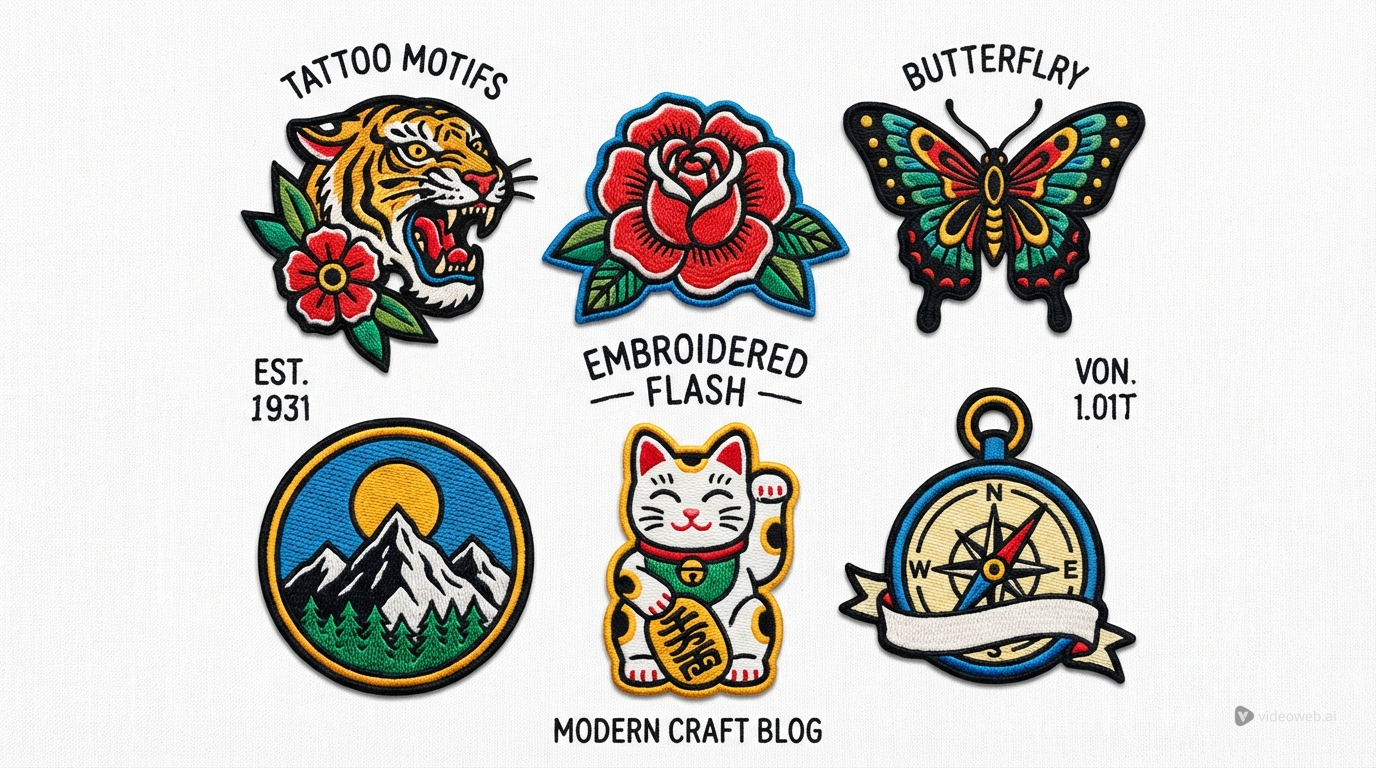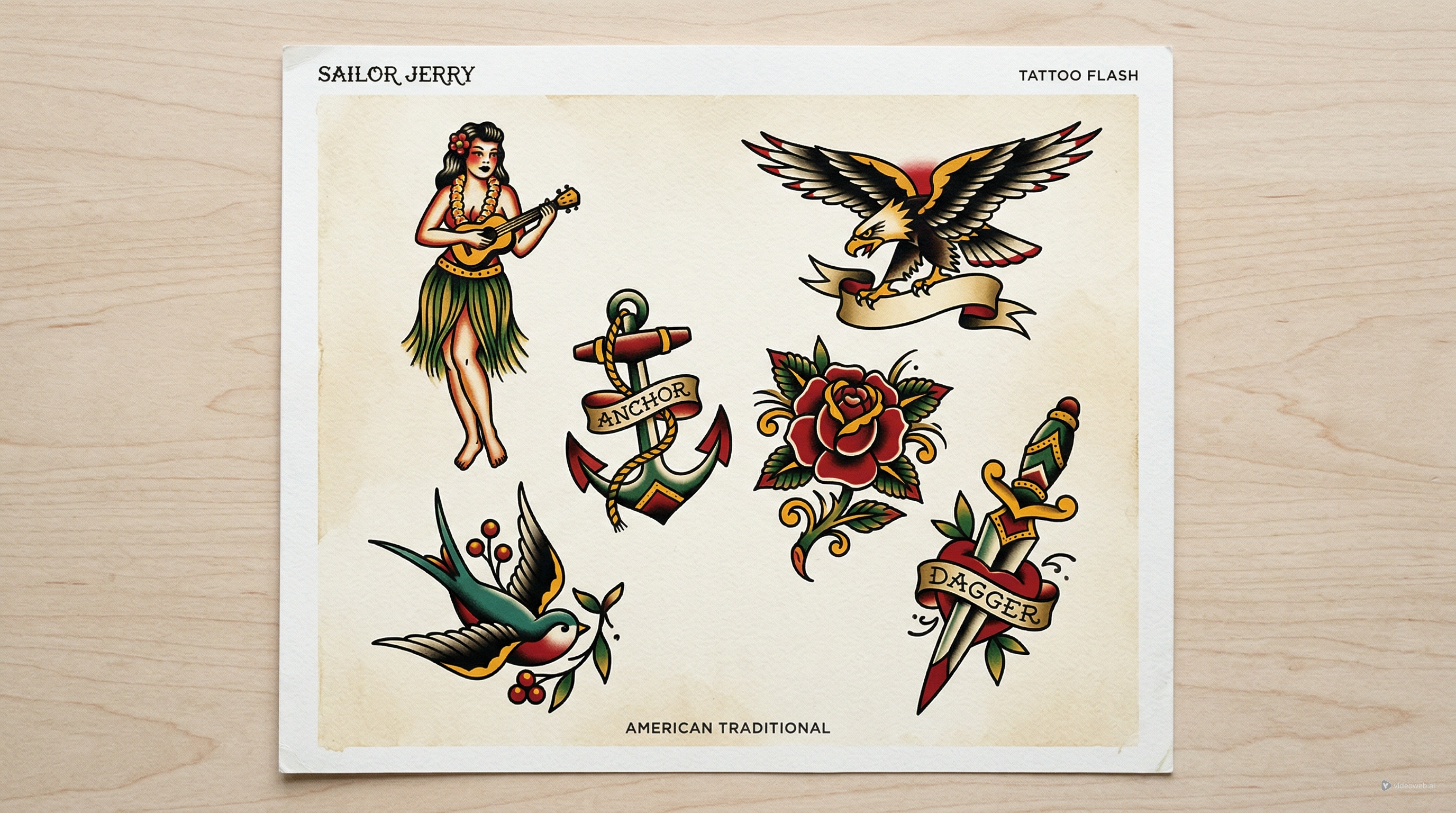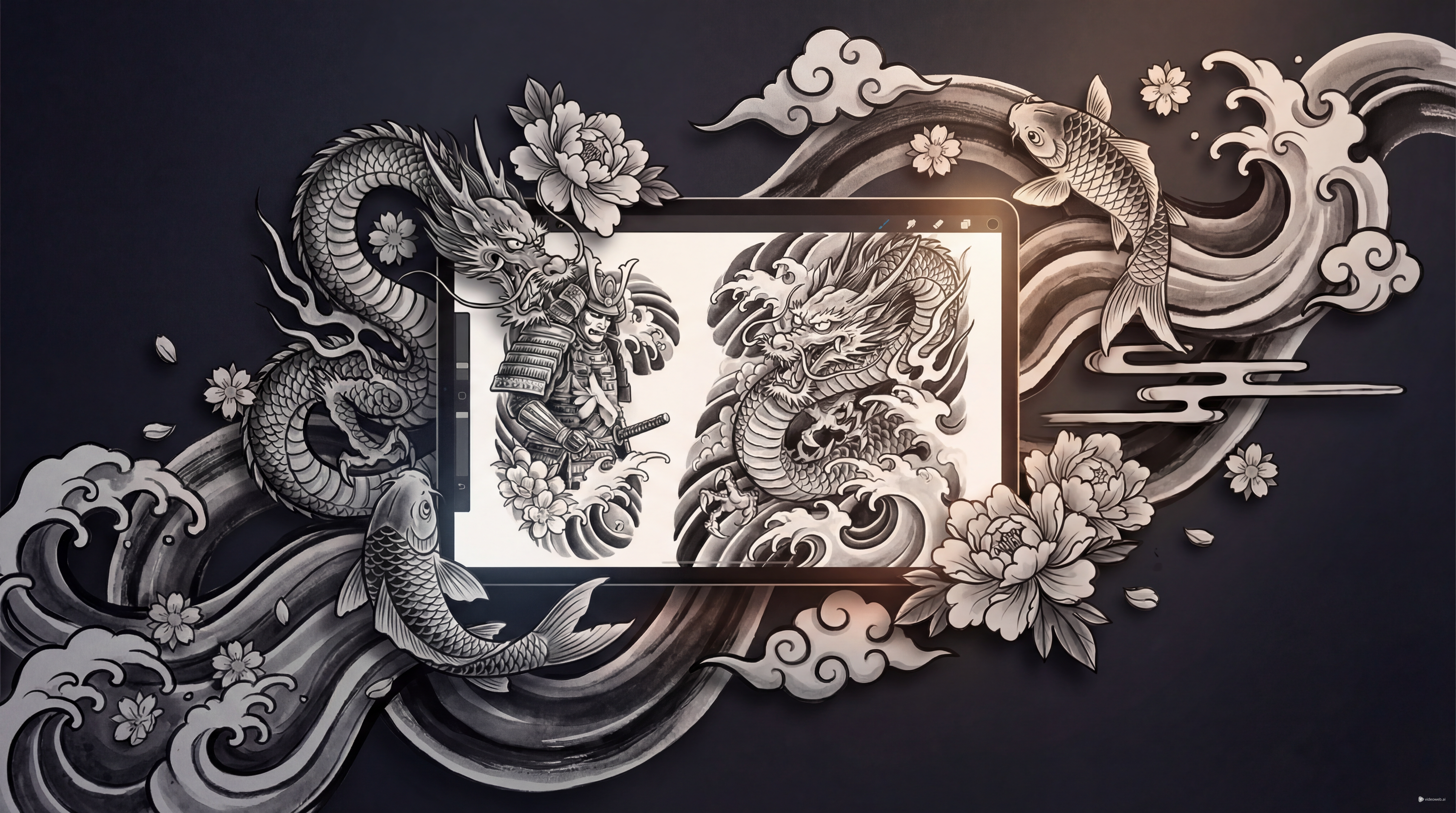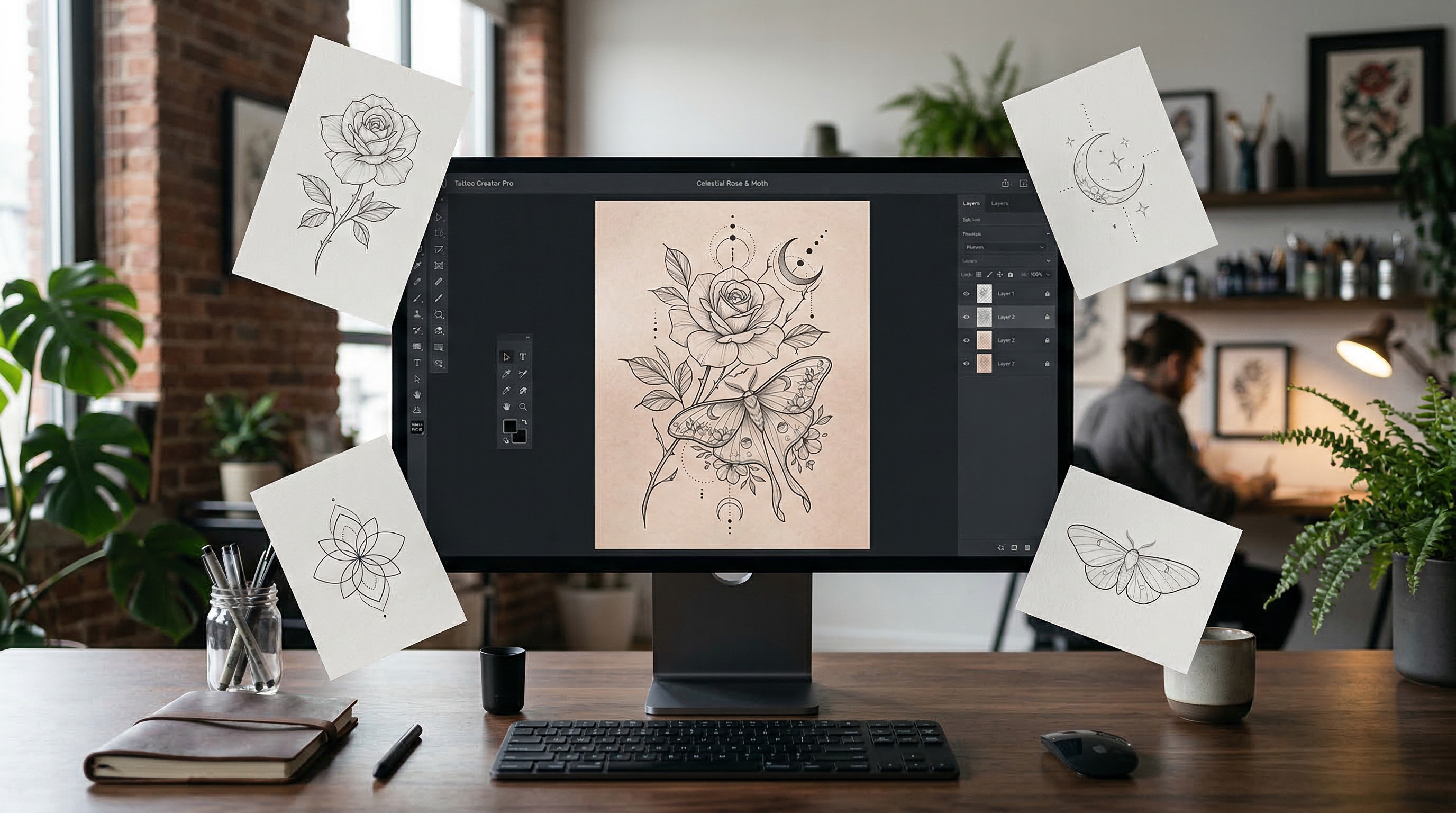
Minimal, elegant, and easy to personalize, fine-line tattoos remain one of the most requested tattoo styles today. Their appeal is simple: they look clean, subtle, and refined, whether you want a tiny symbolic piece or a more detailed but delicate design.
That same elegance can also make them hard to plan. A fine-line tattoo usually depends on balance, restraint, and clarity. Too much detail can make the design feel crowded. Too little structure can make it look unfinished. That is why using a digital concept tool before speaking with a tattoo artist can be so helpful.
Tattoo AI Design’s FineLine Tattoo Generator makes that process much easier. Instead of starting with a blank page, you can use a dedicated AI tattoo generator to explore visual directions, test prompt ideas, upload references, and refine a concept until it feels closer to your style.
Why Fine-Line Tattoos Work So Well
The beauty of fine-line tattoos comes from precision. This style usually focuses on thin outlines, controlled detail, clean negative space, and a softer overall look than bold traditional work. It is especially popular for flowers, insects, moons, stars, script, spiritual icons, and small symbolic pieces.
Many people choose this style because it feels less heavy on the skin. It can look more understated, more modern, and easier to place on areas like the wrist, collarbone, ankle, forearm, spine, or behind the ear. It also appeals to first-time tattoo clients who want something meaningful without committing to a large, dark design.
Still, subtle tattoos are not always easy to imagine from words alone. That is where fine-line tattoo ideas generated with AI become useful. They help you turn a vague concept into something visible and easier to discuss.
Why Use the FineLine Tattoo Generator
Tattoo AI Design’s FineLine Tattoo Generator is built for this exact style. Instead of using a generic image tool and hoping for good results, you can work inside a focused workflow designed for minimalist tattoo concepts.
The generator lets you select a model, enter a tattoo description, upload an optional reference image, and adjust settings like ratio, resolution, color options, and background. That means you can create ideas that are not only visually appealing, but also easier to review as tattoo concepts.
A good fine-line tattoo AI workflow is not about pressing one button and accepting the first output. It is about testing, comparing, and refining until the concept becomes clear enough to share with a professional tattoo artist.
How to Generate Better Fine-Line Tattoo Ideas
1. Start with one clear subject
The best fine-line prompts usually begin with one strong central idea. That could be a rose, butterfly, moth, snake, moon phase, angel number, lotus, script phrase, or geometric symbol. Starting simple gives the design room to breathe.
If you try to combine too many themes at once, the result may feel cluttered. For fine-line tattoo ideas, clarity almost always beats complexity.
2. Write the prompt like a tattoo brief
Instead of typing a loose phrase, write your prompt as if you are describing the design to an artist. Include the subject, style, line quality, composition, and background.
For example:
- minimal rose tattoo, ultra-thin lines, black ink, vertical forearm composition, white background
- celestial moth, delicate linework, symmetrical tattoo design, subtle ornamental detail, stencil-friendly
- tiny moon and star tattoo, clean fine lines, minimal shading, elegant negative space
Using an AI tattoo generator this way usually leads to cleaner results than broad, generic wording.
3. Upload a reference when shape matters
If you already have a sketch, moodboard image, flower type, or symbolic pattern in mind, upload it as a reference. This is especially useful when you want the generator to follow a certain silhouette or mood.
A reference image can help keep the design aligned with your taste while still giving the tool room to create variations. That makes it easier to explore fine-line tattoo ideas without losing the original intention.
4. Match the output settings to the placement
Think about where the tattoo might go before you generate. A square layout works well for centered flash-style concepts, while a vertical format can be better for the forearm, spine, sternum, or calf.
For this style, black and grey is often the safest choice because it keeps the linework readable. A white background is also helpful because it makes the concept easier to evaluate without distractions.
A well-used fine-line tattoo AI tool should help you generate with placement in mind, not just style in mind.
5. Refine instead of settling too early
The first result is usually a draft, not the final answer. Try adjusting one thing at a time: the scale, spacing, level of detail, symmetry, or orientation. Small changes can make a big difference.
This is one of the biggest benefits of using an AI tattoo generator. You can quickly test multiple directions before choosing the concepts worth saving.
Prompt Tips for Cleaner Results
If your outputs look too busy, simplify the subject. If they look too plain, add one or two controlled details instead of many. For fine-line tattoos, it often helps to include phrases like “ultra-thin lines,” “minimal shading,” “clean negative space,” “balanced composition,” or “tattoo stencil style.”
Subjects that tend to work well include flowers, insects, celestial symbols, line-art animals, elegant script, and geometric icons. Subjects that are harder to keep clean include crowded scenes, multiple overlapping objects, or realism-heavy concepts with too much texture.
The goal is not just to create a pretty image. It is to create a design direction that still makes sense once adapted to skin.
Common Mistakes to Avoid
One common mistake is treating AI output as final tattoo-ready art. A generated image is best used as inspiration, reference, or communication material. A tattoo artist still needs to adjust it for body placement, scale, skin flow, and long-term readability.
Another mistake is writing prompts that are too broad. Fine-line work benefits from precision. If you want a delicate floral design, say so. If you want a tiny symbolic piece for the wrist, include that. Better prompts usually lead to better fine-line tattoo ideas.
Finally, avoid judging the design only on a screen. A concept may look elegant digitally but still need simplification before it becomes a strong tattoo.
Turning AI Concepts Into Real Tattoo Decisions
Once you have several good outputs, shortlist the best three to five and compare them for clarity, balance, placement fit, and overall feel. Then bring those references to a tattoo artist. That is where the process becomes most valuable.
Instead of starting the conversation with only abstract inspiration, you arrive with a clearer visual direction. In that sense, a fine-line tattoo AI tool is not replacing the artist. It is helping you prepare for a better collaboration.
If used well, Tattoo AI Design’s FineLine Tattoo Generator can save time, sharpen your taste, and help you discover fine-line tattoos that feel more personal and better suited to your style.
Other Tools Worth Trying
- AI Tattoo Generator
- AI Tattoo Try On
- AI Tattoo Design Generator
- AI Tattoo Video Generator
- Explore More Tattoo Styles
Related Article
- Seedream 5.0 Tattoo Design Guide: Prompts, Styles, and Pro Tips
- Best Free Text-to-Tattoo AI Generators in 2026 (Plus a Top Pick)
- How to Try On the Tattoo on Your Body Photos: A Complete Guide to Virtual Ink
People Also Read
- Seedream 5.0 Image Generation Guide: Step-by-Step Tips and Best Tools
- Nano Banana Pro: A Practical Way to Create Better AI Images
- Free Image Describer Guide: Turn Any Picture Into Captions, Prompts, and Useful Text
- AI Image Generator 2026: The Creator Switchboard for Fast-to-Final Images
- How to Use an AI Image Generator: A Beginner-Friendly Tutorial