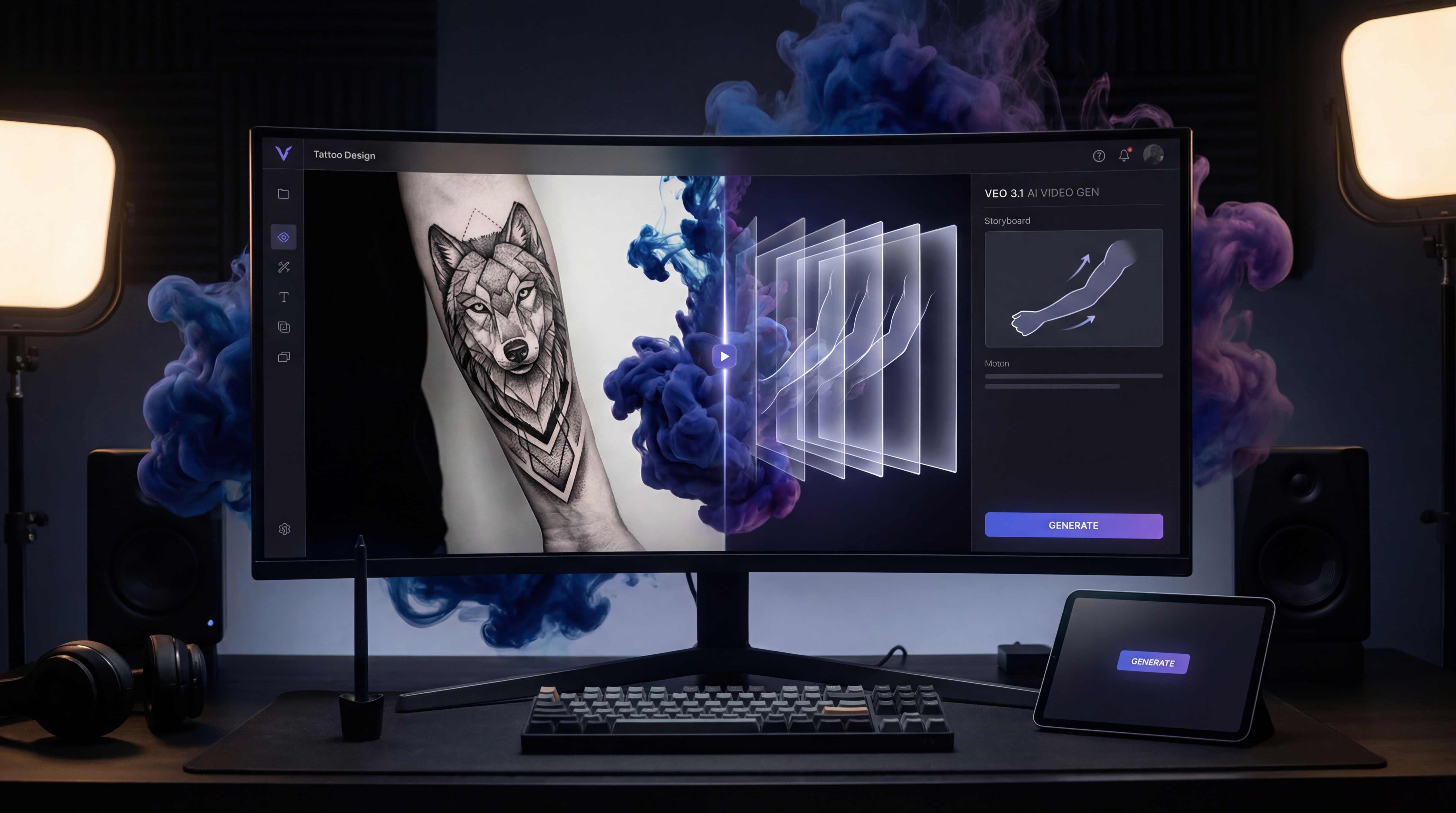
Tattoo ideas do not always come to life best as flat images. Sometimes the concept makes more sense when it moves. A snake can coil. A raven can emerge through smoke. A floral sleeve can unfold across the arm with lighting, shadow, and atmosphere that a still image cannot fully express. That is why more creators, tattoo enthusiasts, and even working artists are becoming curious about Veo 3.1 for tattoo video generation.
The appeal is easy to understand. Video generation gives tattoo concepts a more cinematic, emotional presentation. It can help someone preview mood, placement, symbolism, and visual storytelling before they ever sit in a chair. But there is also an important truth here: the best tattoo videos usually begin with a strong tattoo image first.
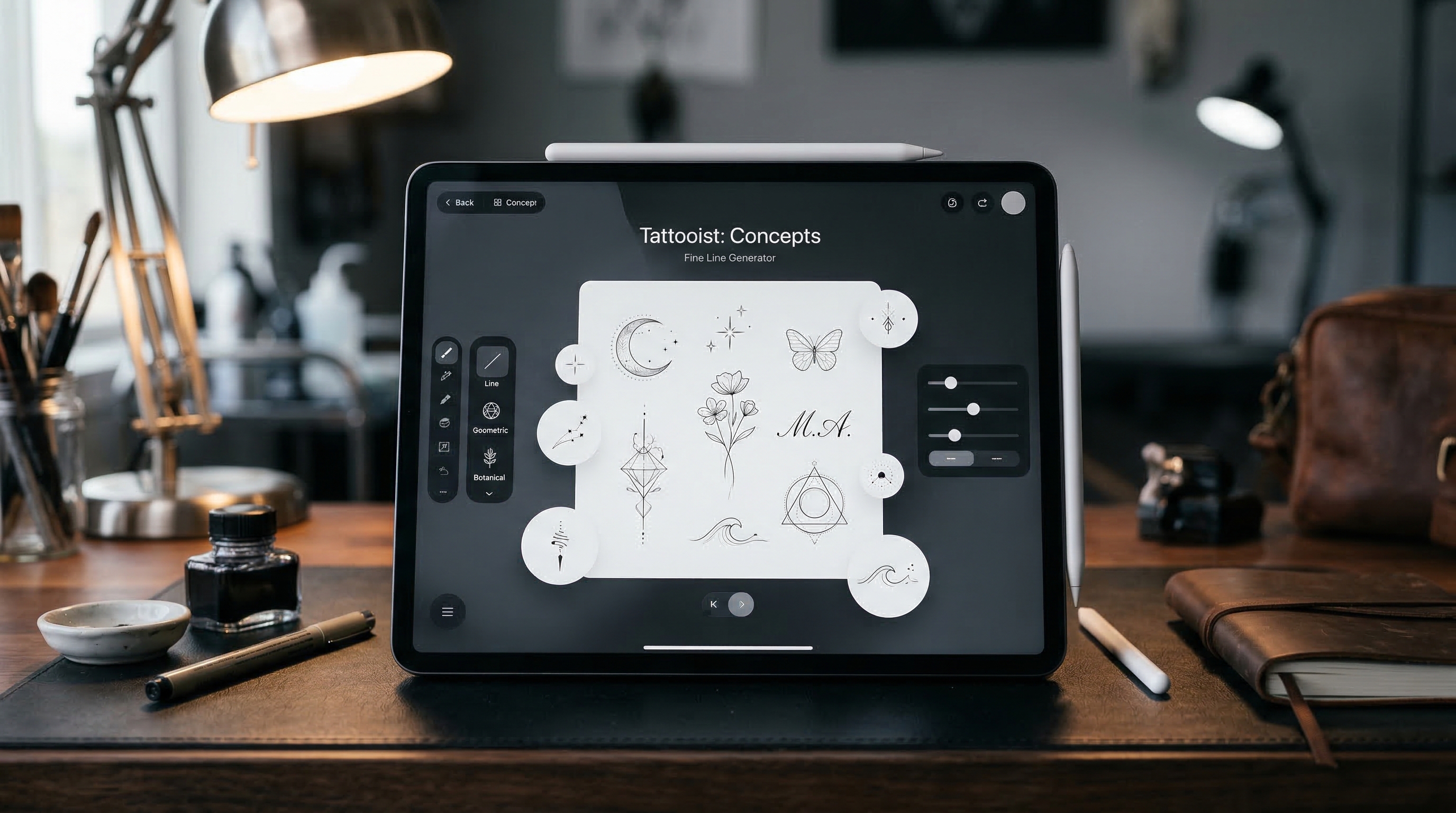
That is where a specialized tool like TattooDesign AI’s AI Tattoo Design Image Generator becomes useful. Instead of jumping straight into motion with a vague idea, you can first build a cleaner tattoo concept, then use that visual as the foundation for your Veo 3.1 workflow.
What Tattoo Video Generation Actually Means
Tattoo video generation is not about replacing a tattoo artist, and it is not the same thing as creating a final-ready stencil. It is better to think of it as a concept-visualization tool.
A tattoo video can show how a design feels rather than just how it looks. That may mean a slow reveal of a chest piece, an animated preview of a forearm design, or a moody concept clip that captures the symbolism behind the tattoo. For social media, portfolio work, or client inspiration, that kind of presentation can be far more engaging than a plain still.
This is especially true with a model like Veo 3.1, which is strong when the user has a clear visual direction and wants to turn that into a short cinematic sequence. But if the base idea is messy, the final video often feels messy too. That is why starting with a solid image matters so much.
Start With a Strong Tattoo Concept Before Making a Video
A lot of people make the same mistake with AI video tools: they try to animate the concept before they have actually designed it.
That usually leads to generic motion, unstable visuals, or a tattoo concept that looks more like a fantasy poster than something that could belong on skin. Tattoo work depends on line flow, shape, balance, symbolism, and placement. If those are not clear from the start, the motion will not rescue the design.
A better approach is to begin with TattooDesign AI’s AI Tattoo Design Image Generator. Because it is built specifically around tattoo creation, it is more practical than starting from a generic art generator. You can define the subject, choose visual direction, and shape a more useful concept image before turning it into a video.
That image-first approach also makes prompt writing easier. Instead of asking Veo 3.1 to invent both the tattoo and the motion at the same time, you are asking it to animate an already-established visual idea.
A Simple Veo 3.1 Workflow for Tattoo Video Creation
The easiest way to use Veo 3.1 for tattoo concepts is to keep the process simple.
First, define the tattoo idea itself. Decide what the subject is, what emotions it should evoke, and where it belongs on the body. A wolf back piece, a black-and-grey saint portrait, a fineline botanical wrist design, and a surreal eye-and-moth chest tattoo all need different visual treatment.
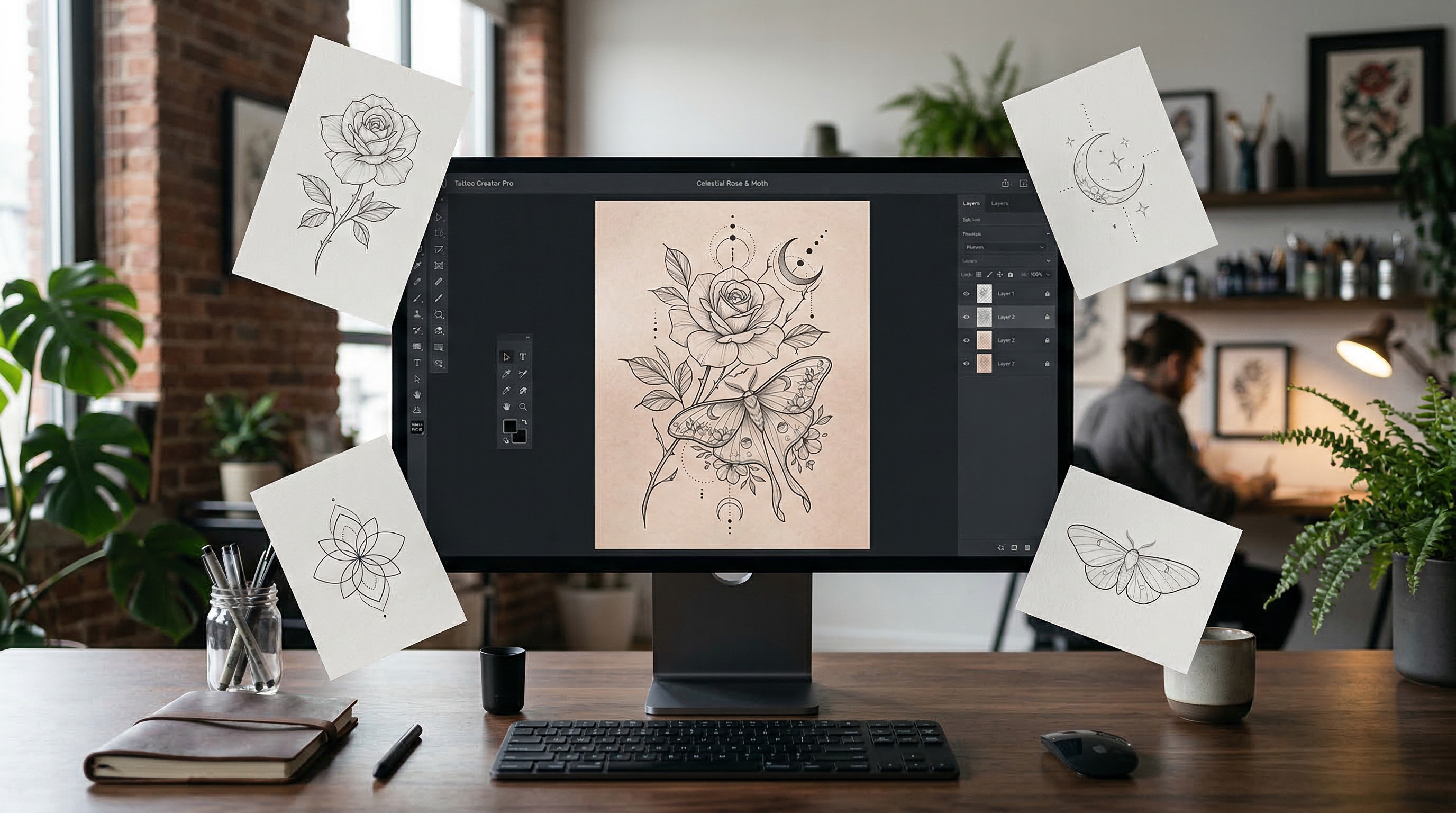
Second, create a strong base image. This is where a tattoo design image generator is especially helpful. Instead of describing everything from scratch in video form, you build a cleaner starting point.
Third, decide what kind of motion actually suits the design. Tattoo videos usually work best with elegant, restrained movement. Slow zooms, subtle lighting shifts, drifting smoke, ink bloom effects, and gentle camera pans tend to feel more appropriate than loud or chaotic motion.
Fourth, write your Veo 3.1 prompt around that visual. Focus on the subject, body placement, camera movement, lighting, atmosphere, and pacing. A tattoo video should feel intentional, not random.
Finally, review the result and refine. Most good outputs do not happen on the first attempt. Small prompt changes often make a big difference.
Best Types of Tattoo Videos to Make With Veo 3.1
Not every tattoo concept needs the same kind of video. In practice, Veo 3.1 becomes more useful when you match the motion style to the purpose.
One strong use case is the tattoo reveal video. This works well when you want to present a design dramatically, almost like a teaser. A dark background, soft spotlight, and slow camera push can instantly make a design feel more premium.
Another useful format is the body-placement preview. This is less about drama and more about helping someone imagine how the tattoo lives on the body. It works especially well for sleeves, spine tattoos, sternum pieces, and thigh work.
A third category is the symbolism clip. This is where the tattoo’s meaning takes center stage. A crow might emerge through fog. A koi might ripple through reflected light. A memorial design might be shown with a soft, reverent tone. These videos are less about realism and more about emotional storytelling.
For social media, short promo edits are also effective. Studios and creators can turn tattoo concepts into polished reels that attract attention quickly.
How to Write Better Veo 3.1 Prompts for Tattoo Videos
Prompt writing matters more than most people expect. With tattoo videos, the biggest improvement usually comes from being specific without becoming cluttered.
Start with the tattoo subject. Say exactly what the design is. Do not just say “cool tattoo.” Say “black-and-grey raven chest tattoo with realistic feathers and gothic floral framing.”
Then define the motion. Keep it controlled. A tattoo concept usually benefits from phrases like “slow camera push-in,” “subtle parallax,” “gentle rotation,” or “soft ink bloom effect.”
After that, add lighting and mood. You might want “editorial studio lighting,” “soft rim light,” “dramatic shadows,” or “clean white background with subtle depth.” These details shape the tone of the video just as much as the design itself.
Body placement also matters. If the tattoo is for a forearm, say so. If it is centered on the sternum or wraps around the shoulder, include that. Placement gives the motion context.
The key is to avoid overloading the prompt with conflicting instructions. Tattoo videos tend to work best when the scene is elegant, focused, and visually coherent.
Why Image-to-Video Often Works Better Than Text-to-Video
For tattoos, image-to-video usually makes more sense than text-to-video.
The reason is simple. Tattoo concepts rely heavily on shape control. The silhouette matters. The line quality matters. The balance between negative space and filled detail matters. When you start from a clear image, you preserve more of that structure.
With text-to-video alone, the model has to invent both the tattoo design and the animation at once. That can work for loose inspiration, but it is not always ideal for body art. Too many variables shift at the same time.
That is why it is smarter to prepare the concept first with an AI tattoo design image generator, then move into animation. It gives the process more stability and makes the output feel closer to an actual tattoo direction rather than a vague visual fantasy.
Why TattooDesign AI Is a Smart Starting Point
A specialized tattoo tool gives this whole workflow a stronger foundation.
TattooDesign AI’s AI Tattoo Design Image Generator is useful because it is focused on the kind of decisions tattoo users actually care about. You are not just generating random art. You are building a design concept that can later be refined, discussed, and visualized in motion.
That makes it a smart starting point for tattoo artists preparing ideas for clients, content creators making tattoo-themed social posts, and clients who want a more visual way to explore options before a consultation.
The cleaner the design phase is, the stronger the Veo 3.1 phase becomes.
Other TattooDesign AI Tools Worth Using
A full tattoo concept workflow often needs more than one tool. Once the main design is in place, a few related tools can make the process more flexible.
If you want fast concept drafts from simple text input, an AI tattoo generator is a useful option. It is a good way to explore multiple directions before deciding which one deserves a more polished video treatment.
If placement is your biggest concern, the AI tattoo try-on tool can help. Seeing the design overlaid on a body photo gives a more realistic sense of scale and position before animation even begins.
For readers focused on a particular aesthetic, style-based tools can also help shape the concept more clearly. A realism tattoo generator is a natural fit for portrait-heavy or animal-based videos. A fineline tattoo generator makes sense for delicate, minimal work that benefits from subtle motion. And a surrealism tattoo generator is ideal for dreamlike ideas that need a more symbolic and cinematic presentation.
These tools are useful because they help narrow the visual direction before you animate anything.
A Beginner-Friendly Tattoo Video Workflow
If you are new to this, a practical workflow can be very straightforward.
Start by building the concept with the AI Tattoo Design Image Generator. If you want more idea variety, generate alternatives with the AI tattoo generator. If placement matters, preview it using the AI tattoo try-on tool.
Once you have the version you like best, use that concept as the basis for your Veo 3.1 prompt. Keep the motion clean, the camera movement intentional, and the mood aligned with the tattoo’s meaning. Then refine until the video feels elegant rather than overdone.
That is usually enough to create a tattoo concept video that feels polished, useful, and engaging.
Final Take
Veo 3.1 can be a powerful tool for tattoo video generation, but it works best when the tattoo concept is already strong. The video is not the starting point. It is the presentation layer.
That is why an image-first workflow makes so much sense. By beginning with TattooDesign AI’s AI Tattoo Design Image Generator, you give yourself a clearer design foundation. From there, supporting tools like the AI tattoo generator and AI tattoo try-on tool help refine the idea before animation.
In the end, the best tattoo videos are not the busiest ones. They are the ones built on a design that already works, then brought to life with motion that respects the tattoo instead of overwhelming it.