Wan 2.6 AI Video Generator for Video Creators
Wan 2.6 AI Video Generator makes short-form video creation fast and limitless. Upload images and audio, add text descriptions, and quickly generate rhythmically clear, visually stable videos—reducing editing and iteration workload.
Examples of Wan 2.6 AI Video Generator
Wan 2.6 transforms existing images and audio, guided by 'image + audio + temporal order', into complete video content. Upload images and audio, add text descriptions, and quickly generate rhythmically clear, visually stable videos—reducing editing and iteration workload.
Core Features of Wan 2.6 AI Video Model
Designed to address continuity, rhythm, and subject stability challenges commonly faced in short video production.
Image-Driven Video Generation
Upload one or more images as visual input. Wan 2.6 analyzes content to infer composition and camera transitions, transforming static material into coherent video sequences. Suitable for people showcases, product shots, or mood visuals.
Audio Upload and Scene Sync
Directly use background music or voiceover as audio input—the video's length and rhythm are determined by the audio. Scene transitions and motion changes are matched to audio beats, ensuring visuals stay in sync with sound.
Multi-Scene Timeline Allocation
Automatically segments the video into multiple sections within a fixed duration, arranging sequences according to audio rhythm or text prompts. This clarifies short video structure and reduces manual splitting or stitching.
Advantages of Wan 2.6 AI Video Model
Delivers a controllable creation process and stable performance for real-world use.
Material-Oriented Creation
Start with your prepared images and audio. The workflow is focused and direct—ideal for quickly generating videos when you already know your content direction.
Stable Audio-Visual Relationship
A unified timeline ensures all visual changes follow the audio sequence. This delivers a more natural viewing experience—perfect for rhythm-driven content.
Short-Video Optimization
Focused on producing compact, tight-paced videos. Exports are suited for direct social sharing or for further editing.
Streamlined Workflow
From uploading material to getting your result, settings are centralized to minimize trial-and-error and speed up production.
Use Cases of Wan 2.6 AI Video Generator
Perfect for creative tasks that combine existing audio and visuals.
Social Platform Shorts
Easily combine photos of people or scenes with music or voiceover to make ready-to-post short videos.
Brand & Product Showcases
Pair product images with explanatory audio to create rhythmically clear promo videos for marketing or internal demos.
Character & Mood Storytelling
Blend character visuals with mood-driven audio to create atmospheric clips for concept displays or creative exploration.
How to Use Wan 2.6 AI Video Generator
Upload Image Material
Upload your desired image(s) to use as the visual foundation of your video.
Upload Audio & Confirm Rhythm
Add background music or a voiceover track, then confirm the rhythm to set your video's tempo and scene timing.
Input Text Description & Generate
Enter a text prompt to further guide AI creation. Generate the video based on your supplied media and description.
View & Download Result
Preview the generated video, then download or share your finished result.
Wan 2.6 Frequently Asked Questions
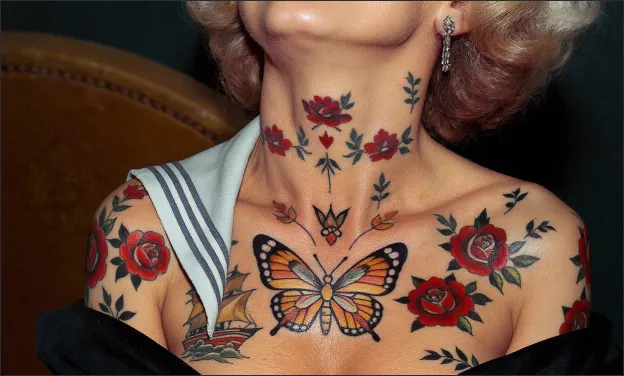
Explore more tattoo styles created with Tattoo AI Design
Explore a variety of tattoo styles created with Tattoo AI Design.